 Scramble
Guides Using ScrambleBoard
Fix a wrong score, settle disputes, and finalize results
Someone will type a 7 for a 4 on the 14th hole. This guide shows how to fix scores, settle disagreements, and close the day. It also shows how to copy the event for next year.
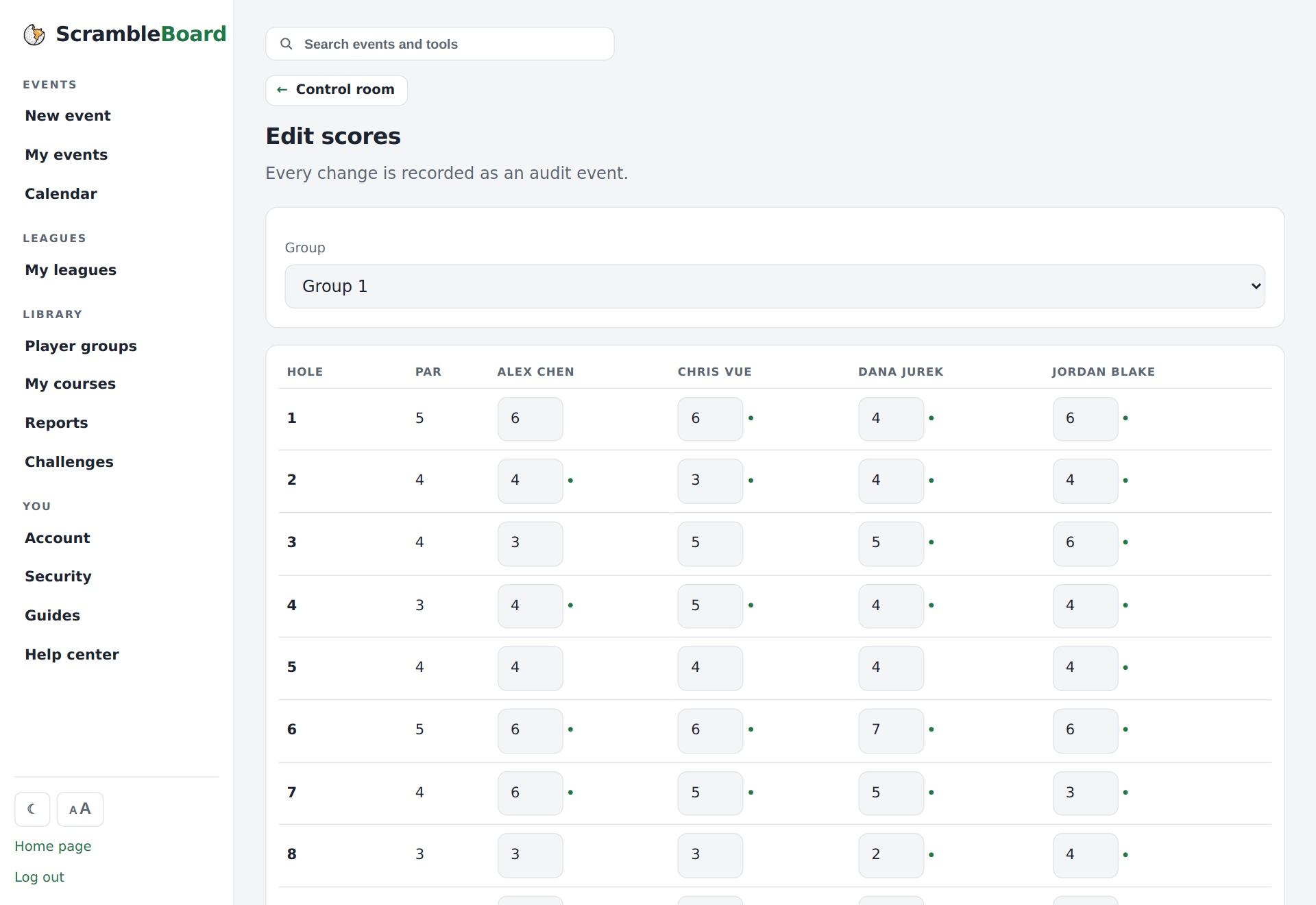
Correct any score
Organizers can edit any team's score on any hole on the Edit scores page. A correction does not erase the old entry. Every entry is kept with who entered it and when, so a disputed hole has a full history.
The conflict queue
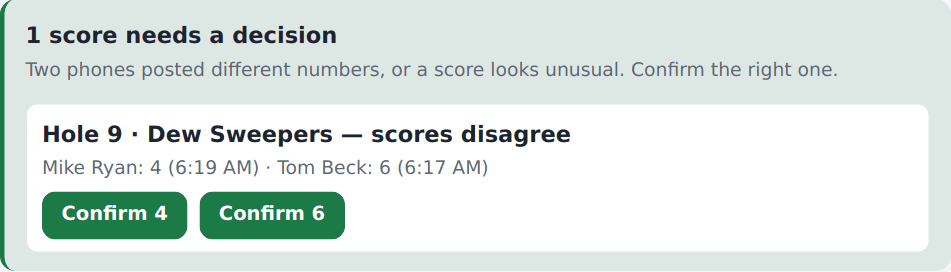
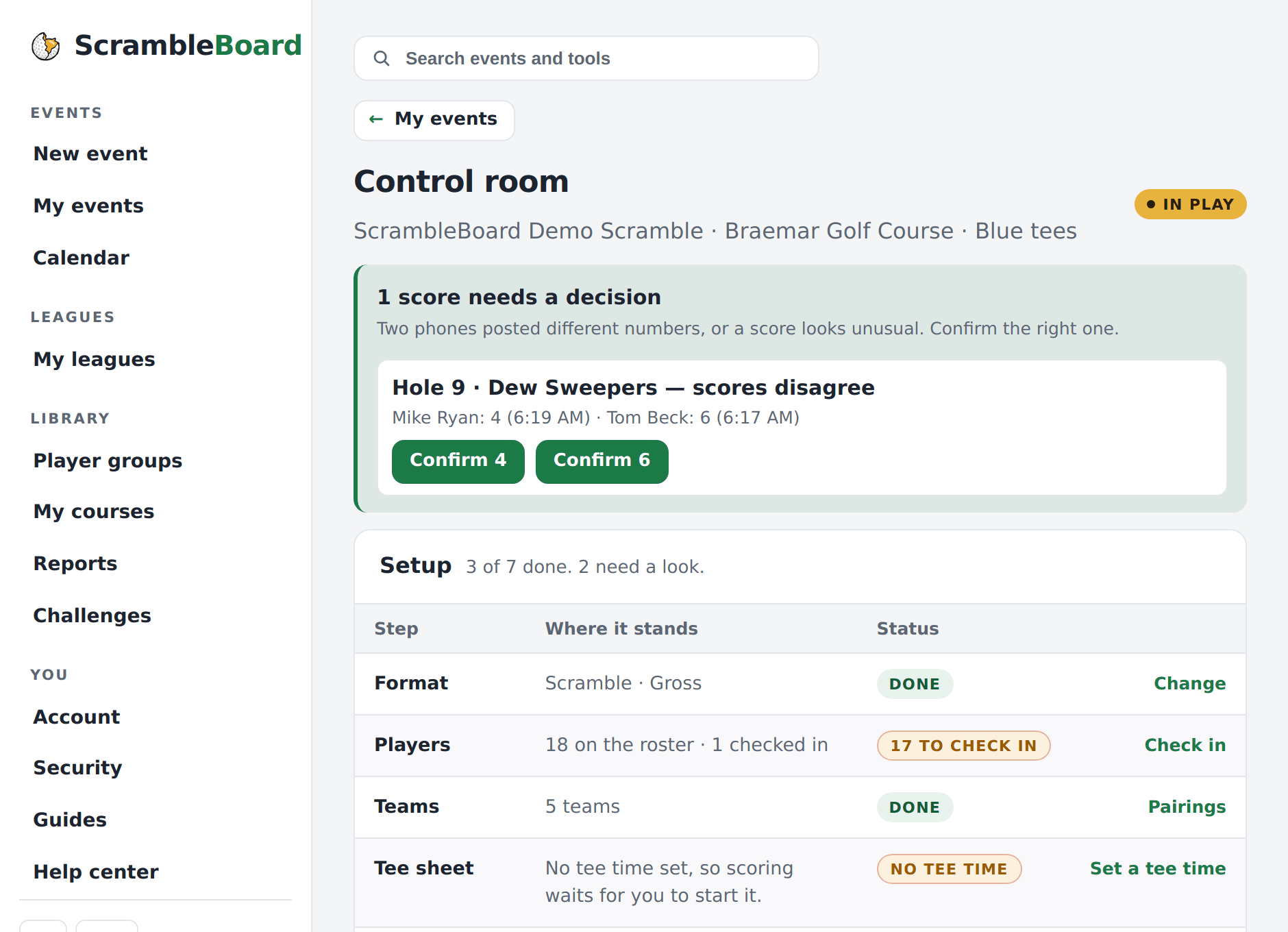
If two phones post different scores for the same hole, the event's Overview flags it in the banner at the top. You see both numbers, each with a Confirm button. Press the one that is right. Usually that takes a ten-second talk with the team at the scorer's table.
Finalize
When the last group is in and no flagged scores are left, press Finalize & publish results on the Overview. The leaderboard locks, skins (prizes for winning a hole outright) settle, and the final results print is ready for the awards table.
Full guide: Print scorecards, cart signs, and check-in sheets
Send the results the next morning
After you finalize, the Overview shows Draft the results message. The page lists what the message can use: the winner, the top of the board, each flight's winner, skins, and contest holders. Press Draft the message to get a short thank-you email with those results and a link to every card. Edit it, then press Copy message or Open in my email app. Nothing is sent from ScrambleBoard. Payouts stay out of the draft unless you add them.
Share the workload
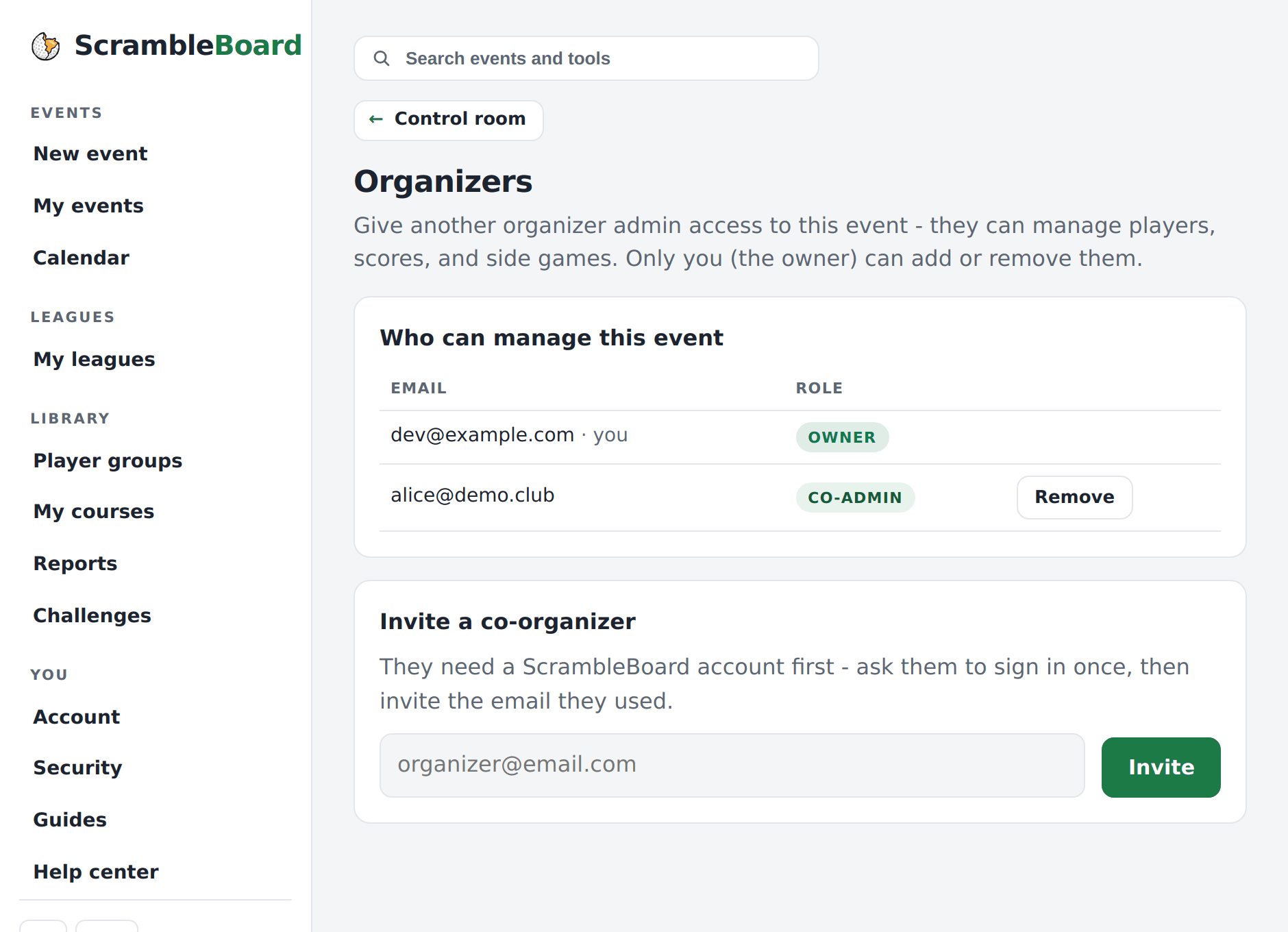
Add a co-organizer by email on the event's Organizers page. They get the Overview, the roster, and the analytics. The setup steps stay with the owner. This helps when the pro shop runs check-in and you run scoring.
Run it again next year
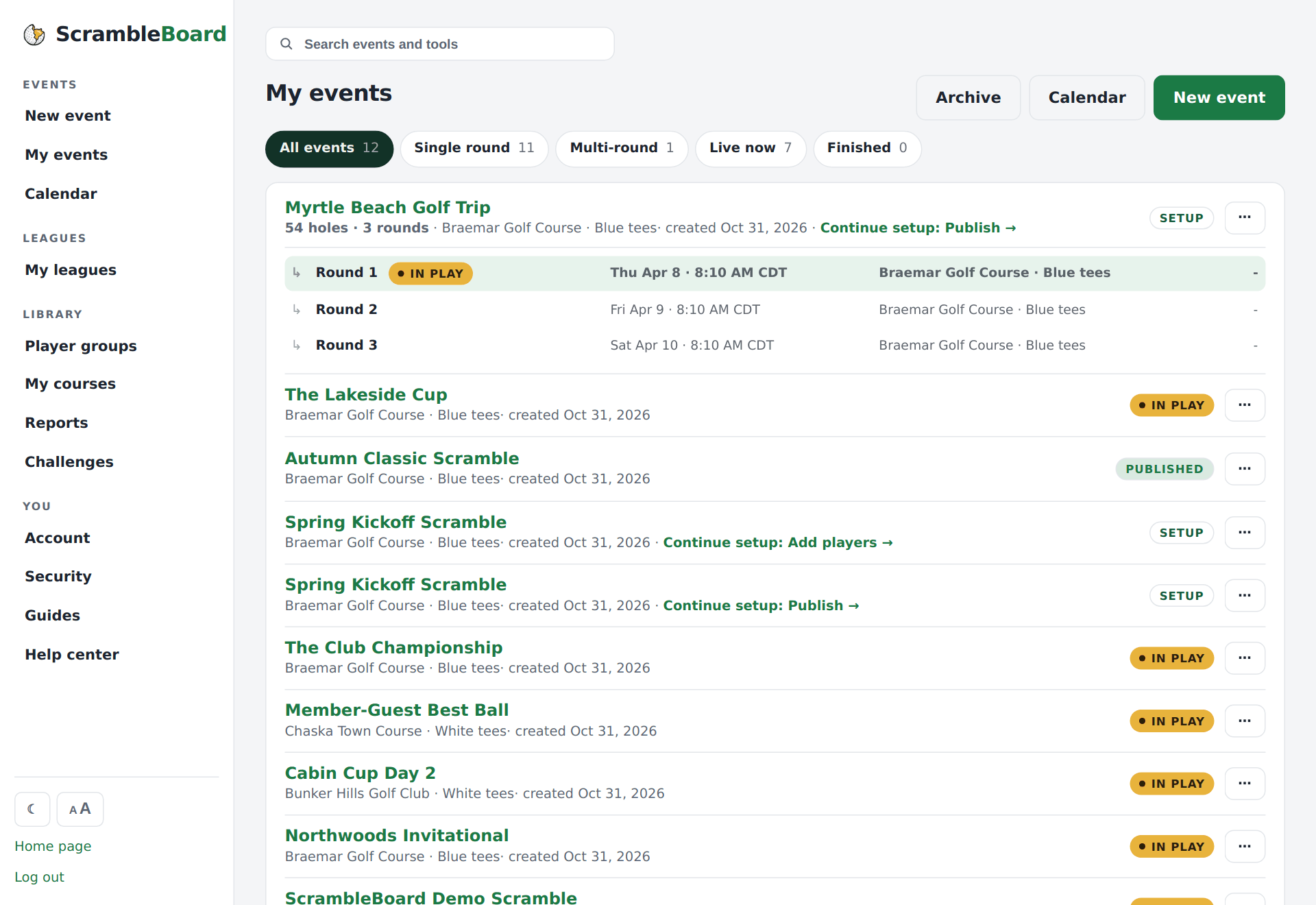
On My events, open the event's ⋯ menu and use Run again. Pick Same players or Empty roster. It copies the setup - course, format, skins, TV board, PIN, challenges, and prize payouts - into a new event. Tee times start blank. Add a saved player group and next year's event is ready in a minute.
Full guide: Groups: save a player list once, reuse it every event
Frequently asked questions
Can a player change a score after it's submitted?
Yes, while the event is live, players can correct their own team's holes. Every entry stays in the history. After you finalize, the board locks. Only reopening the event changes anything.
Do organizer edits delete the original score?
No. An edit adds a newer entry on top. The old one stays in the history with who entered it and when.
Run your event without paper Players scan a code, claim their name, and score on their phones. The leaderboard updates on every phone and the clubhouse TV. No app to install.
Create a free tournamentRelated guides
Players install nothing and make no account. A player scans the QR poster with the phone camera, taps their name, and can score in about thirty seconds.
Create the event, then follow five stops to the first tee. Your first event is free, so you can run a practice one first.
Paper still matters on event day. The Report Center prints six documents from your roster, so you do not copy names into Word at 6 a.m. Each scorecard carries the event's join QR, so the card in the cart is also the way in.