 Scramble
Guides Using ScrambleBoard
Add players and build teams
On a new event, the first stop on the Run tab, **Who's playing?**, takes a pasted list. For everything else - one player at a time, a spreadsheet, a photo of the sign-up sheet, or a saved group - use the event's roster page. Use whichever way matches what you have in your hand.
On a team format, a name on its own line is a player, not a team. It waits under No team yet until you put it on a team, or until you tap Play them as they are. Teams come only from you: the app never makes them unless you tap Shuffle for me.
Add one player
The Add a player bar sits at the top of the roster page. Type a name, add a handicap if you know it, and press Add. A handicap is a number that evens out play between strong and weak golfers. It is optional. This also works after play starts, for a walk-up on the first tee.
Type or paste a list
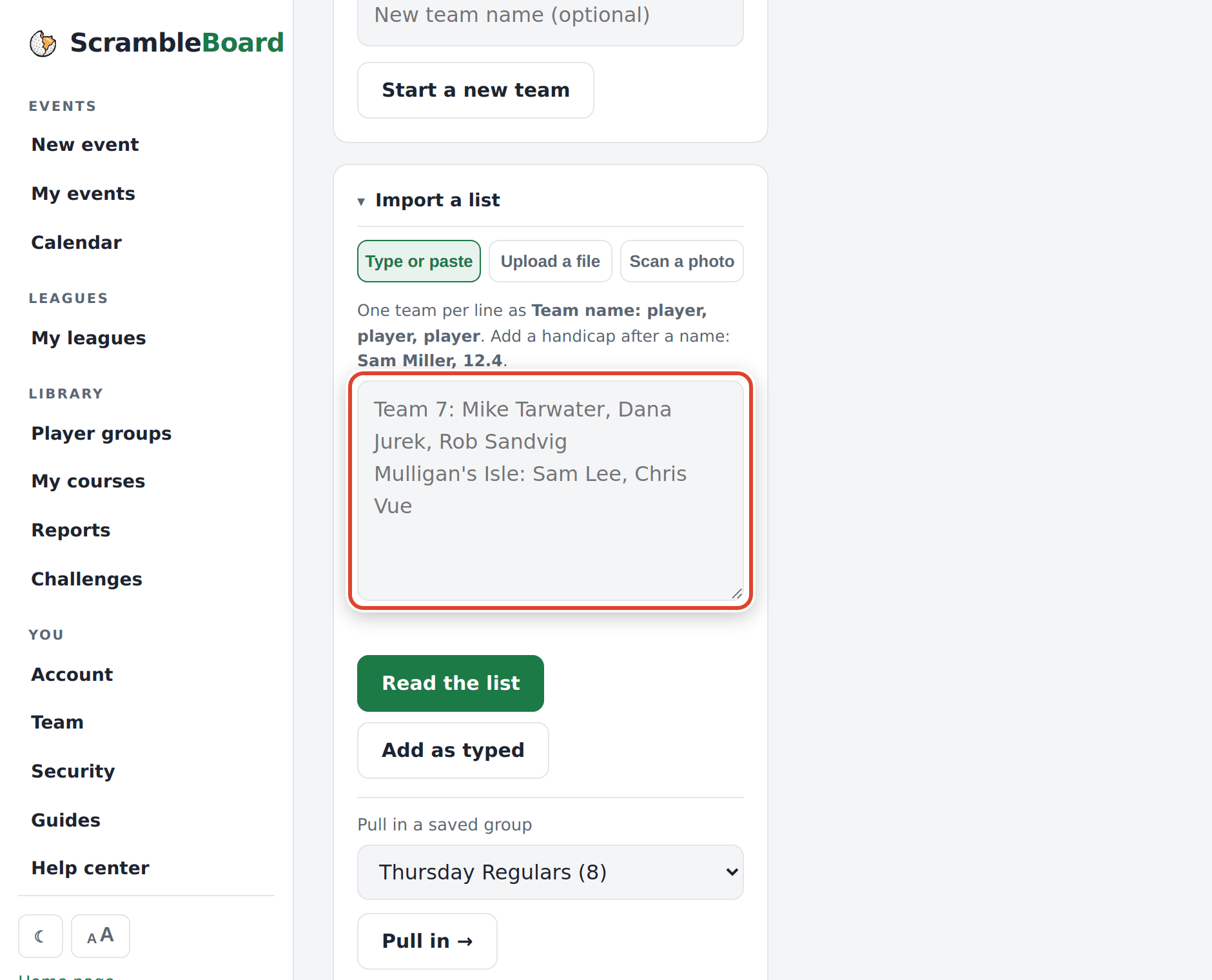
Open Import a list and use the Type or paste tab. Put one entry on each line. For team formats, write a team as "Team name: player, player, player". A line with no team name puts each name under No team yet. For stroke play (every player counts their own strokes) and Stableford (points per hole), put one player per line. Type a handicap after a name ("Sam Miller, 12.4") and it is attached. Plus handicaps such as "+2.4" (for very strong players) work too.
Press Read the list. A preview shows each team and name, with its handicap, before anyone is added. Fix any line in the box, press Check my edits to see the preview again, then press Add to put them on the roster. If your list is already in this shape, Add as typed skips the preview.
You can also paste a list that is not in this shape: an email thread, a group text, or rows copied from a spreadsheet. A helper picks out the names, teams, and handicaps and leaves out emails, phone numbers, and people who said they cannot play. It can make mistakes, so read the preview before you add.
You can paste the same list again safely. Names are matched against the roster, so an updated list adds only the new people. The preview marks the names that are already here.
Upload a file
Use the Upload a file tab for Excel (.xlsx), CSV, TSV, or a plain text list. Common column names are found for you: "First Name" and "Last Name", "Player", "Handicap Index", and the paid columns that registration sites export. An Eventbrite or GolfStatus export usually imports as it is.
Full guide: Import your roster from a spreadsheet or registration export
Scan a sign-up sheet
Use the Scan a photo tab and take a photo of the paper list. Your browser reads the names (the photo does not leave your phone) and puts them in the paste box. Check the spelling, then press Read the list.
Teams and solo formats
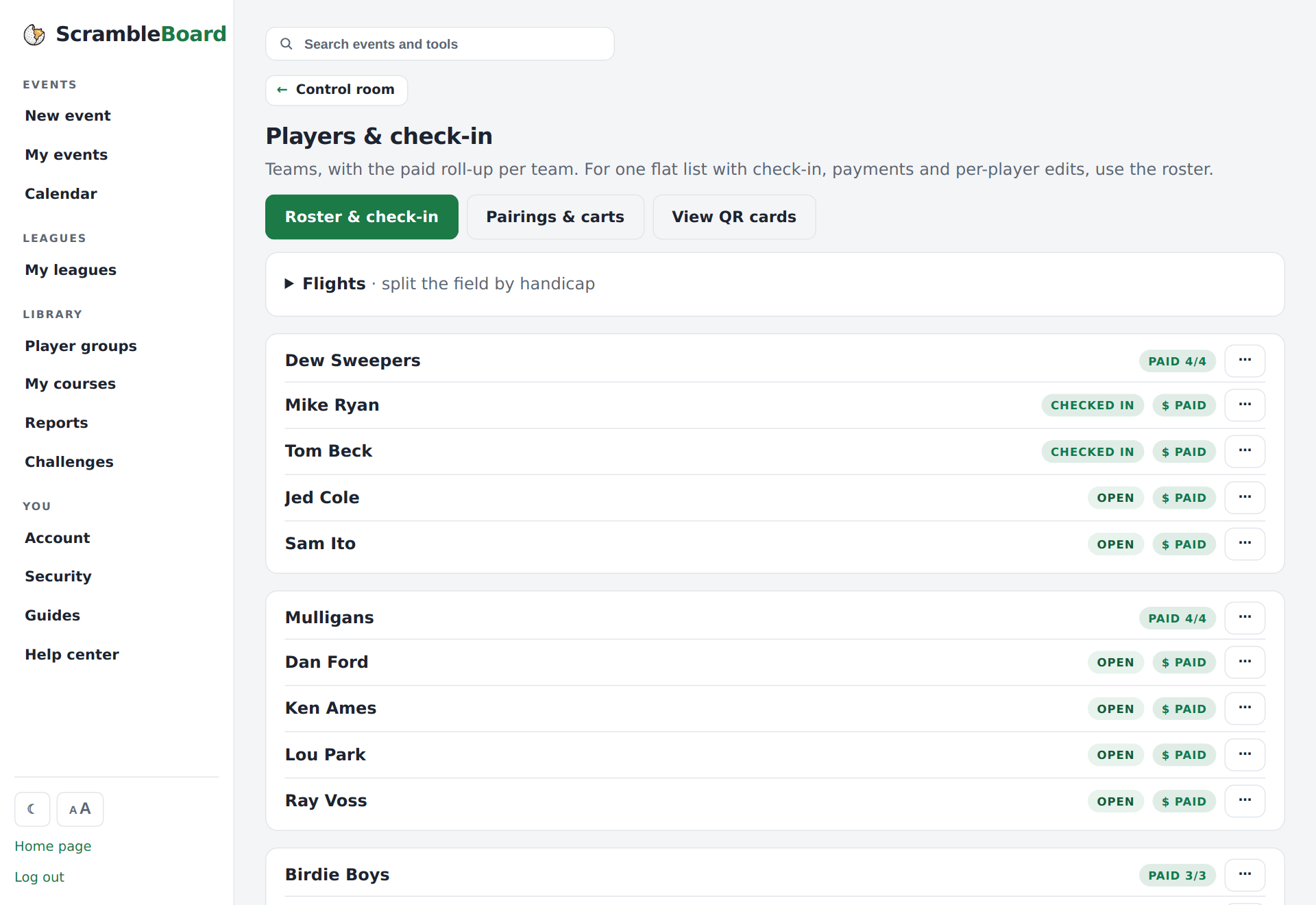
In a scramble or best ball, each roster line is a team. In stroke play and Stableford, every player plays alone. You can move players between teams on the roster page before play starts.
Save it for next time
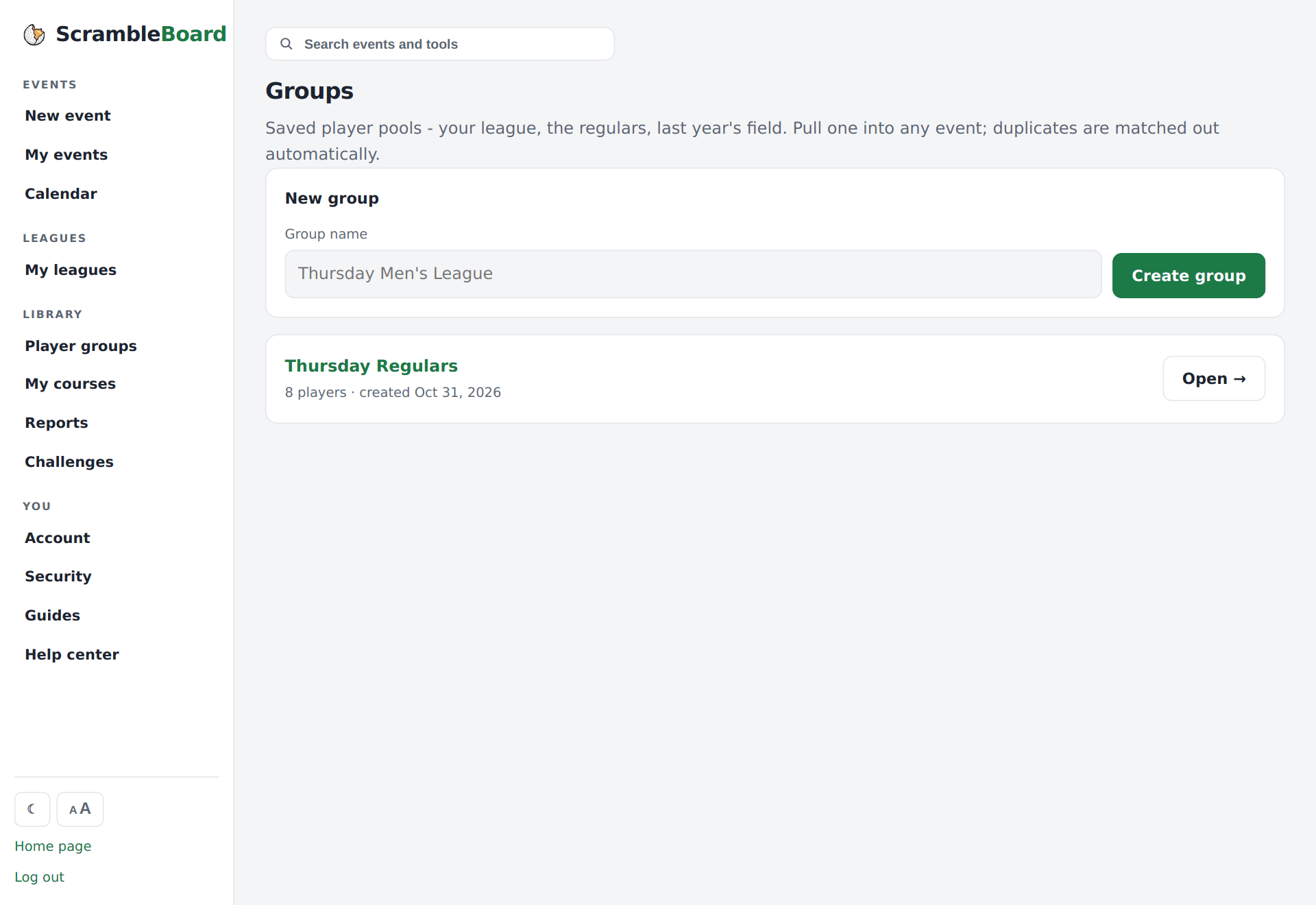
Tick "Save this roster as a group" when you import, or save the finished roster to a group later. At your next event, you pull in the whole crew in one step, handicaps included.
Full guide: Groups: save a player list once, reuse it every event
Frequently asked questions
Do players add themselves or do I add them?
Either. You can load the full roster and let players claim their names, or let players add themselves from the join page. Most organizers load the teams first so the scramble teams are set.
What if I paste the same list twice?
Nothing bad happens. Names already on the roster are skipped, so a second import adds only the new people.
Run your event without paper Players scan a code, claim their name, and score on their phones. The leaderboard updates on every phone and the clubhouse TV. No app to install.
Create a free tournamentRelated guides
If your sign-ups are in a spreadsheet or a registration site, do not type them again. On the event's roster page, open **Import a list** and then the **Upload a file** tab. ScrambleBoard finds the columns that matter.
Do you run events for the same people - a league night, a club's members, a yearly buddies trip? Build the list once as a group. Each new event then starts from that list, not from an empty box.
Create the event, then follow five stops to the first tee. Your first event is free, so you can run a practice one first.