 Scramble
Guides Using ScrambleBoard
Archive or delete an event
When an event is over, you can do two things. Archive it to take it off your events list and keep every score readable. Delete it when you want it gone for good. These are separate on purpose: archiving does not delete anything.
Archive: off the list, kept
On My events, open the event's ⋯ menu and press Archive. The event moves to the Archive page. The board, the results, and the printed cards stay readable there, and the players' links keep working. There is no time limit. An organizer who runs thirty events a year can archive last season and keep the full history.
Restore puts an event back on My events at any time.
You cannot archive a live event. Archiving during play would hide the event from your list on the day you need it most. Finalize scoring first, or move the event back to setup from the Overview, and then archive it.
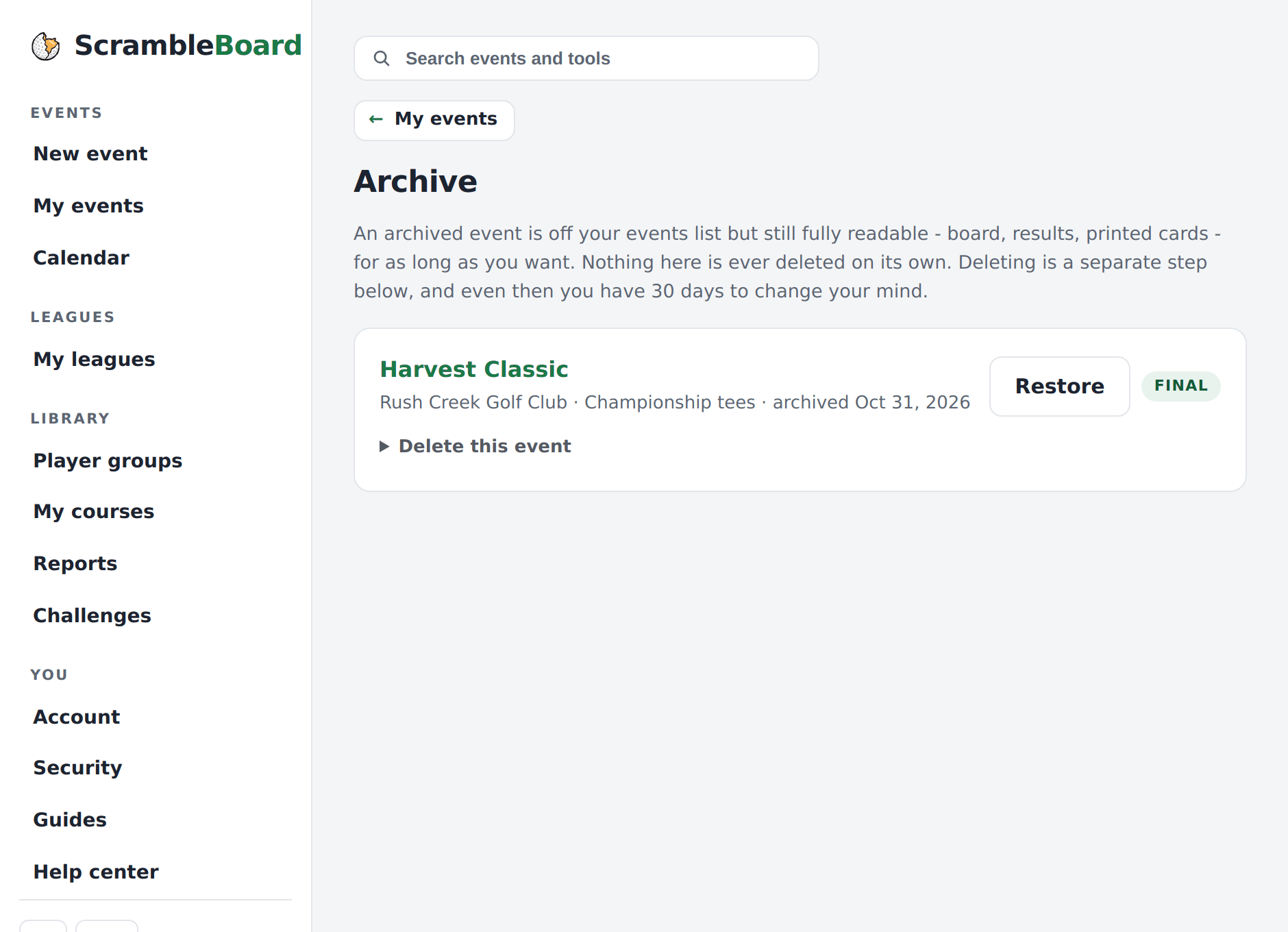
Delete: gone after 30 days
Delete is on the Archive page, under each archived event. This is on purpose: to delete takes two steps (archive, then delete), so it is not one tap from your working list.
To delete, open "Delete this event" and type the event's join code to confirm. The event goes away everywhere at once, and the players' links stop working. It moves to Recently deleted at the bottom of the Archive page.
The 30-day safety net
A deleted event stays in Recently deleted for 30 days. Restore it there and it goes back to the archive with everything in it. After 30 days it is removed for good. Every score, card, and player is erased and cannot be recovered.
Your billing history does not change. A receipt for a paid event stays on your account after the event is gone.
What counts on your bill
Deleting or archiving an event does not refund it or give back a free event. The free first event and per-event purchases count when you publish, not by what you keep. See the pricing page for how events are billed.
Run your event without paper Players scan a code, claim their name, and score on their phones. The leaderboard updates on every phone and the clubhouse TV. No app to install.
Create a free tournamentRelated guides
Someone will type a 7 for a 4 on the 14th hole. This guide shows how to fix scores, settle disagreements, and close the day. It also shows how to copy the event for next year.
Create the event, then follow five stops to the first tee. Your first event is free, so you can run a practice one first.