 Scramble
Guides Using ScrambleBoard
Create your first event in ScrambleBoard
Create the event, then follow five stops to the first tee. Your first event is free, so you can run a practice one first.
Only the organizer needs an account. To sign in, type your email and enter the 6-digit code we send. Players do not sign in. They scan a QR code, tap their name, and score in the browser.
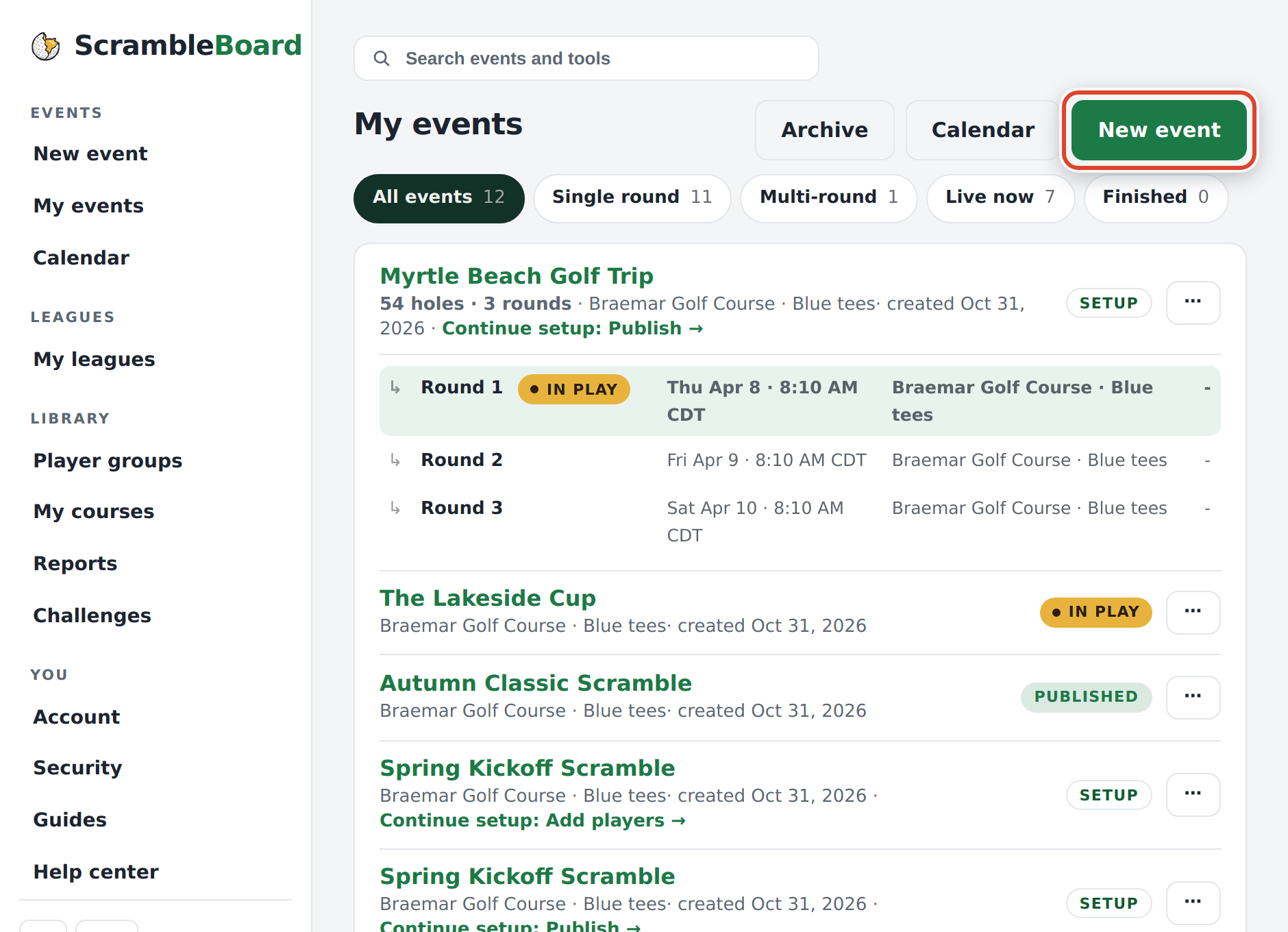
Step 1 - press New event
Sign in and press New event. If you have no events yet, sign-in takes you there.
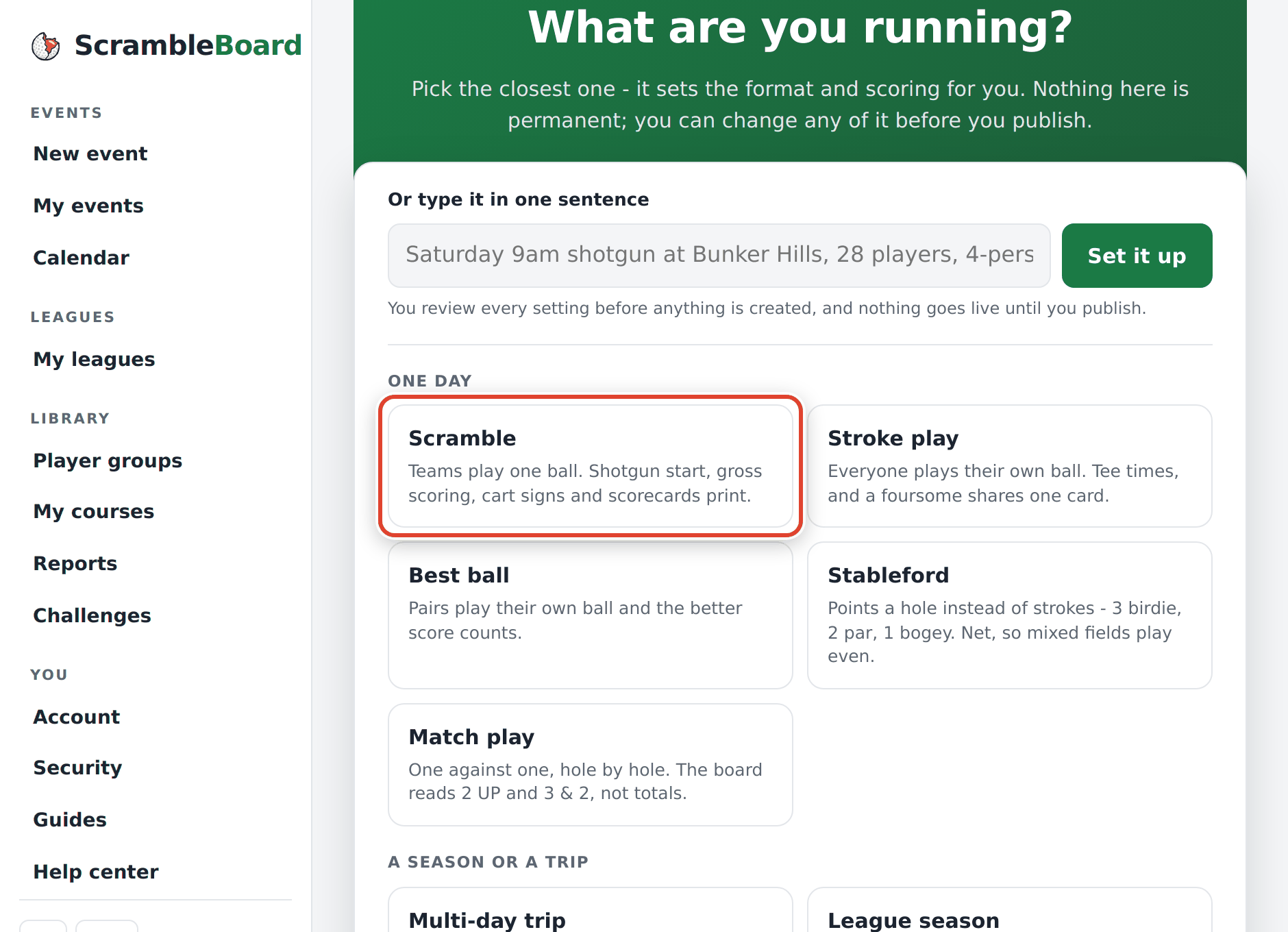
Step 2 - pick what you are running
Tap the tile that matches your day. For most outings that is Scramble: everyone on the team hits, the team picks the best shot, and all play from there. The tile sets the format, scoring, and scorecard. You can change all of it until the first score.
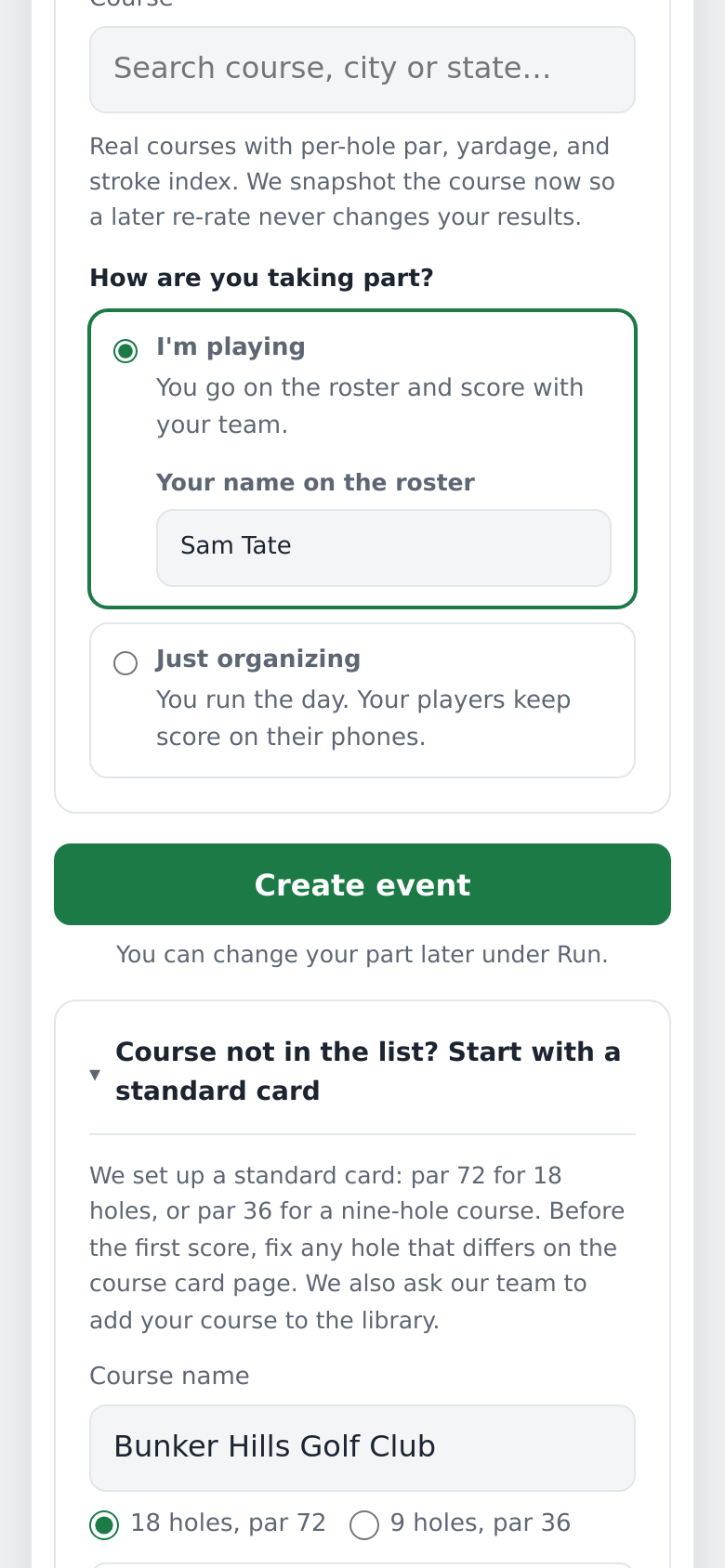
Step 3 - name it, pick the course, and say how you take part
Type the event's name and pick the course and the tees. The event keeps its own copy of the course card, so a later change at the course does not change finished results. Course not in the list? Open Course not in the list? and type its name. You get a par-72 card (par 36 for nine holes). Copy the real pars from the printed scorecard before the first score.
Then answer How are you taking part? and press Create event. You can change your part later on the Run tab, until your team posts a score.
- I'm playing puts you on the roster under the name you type. This phone is yours on the card, and the Score tab opens your team.
- Just organizing keeps you off the roster. The tab is called Scores, and it lists every team.
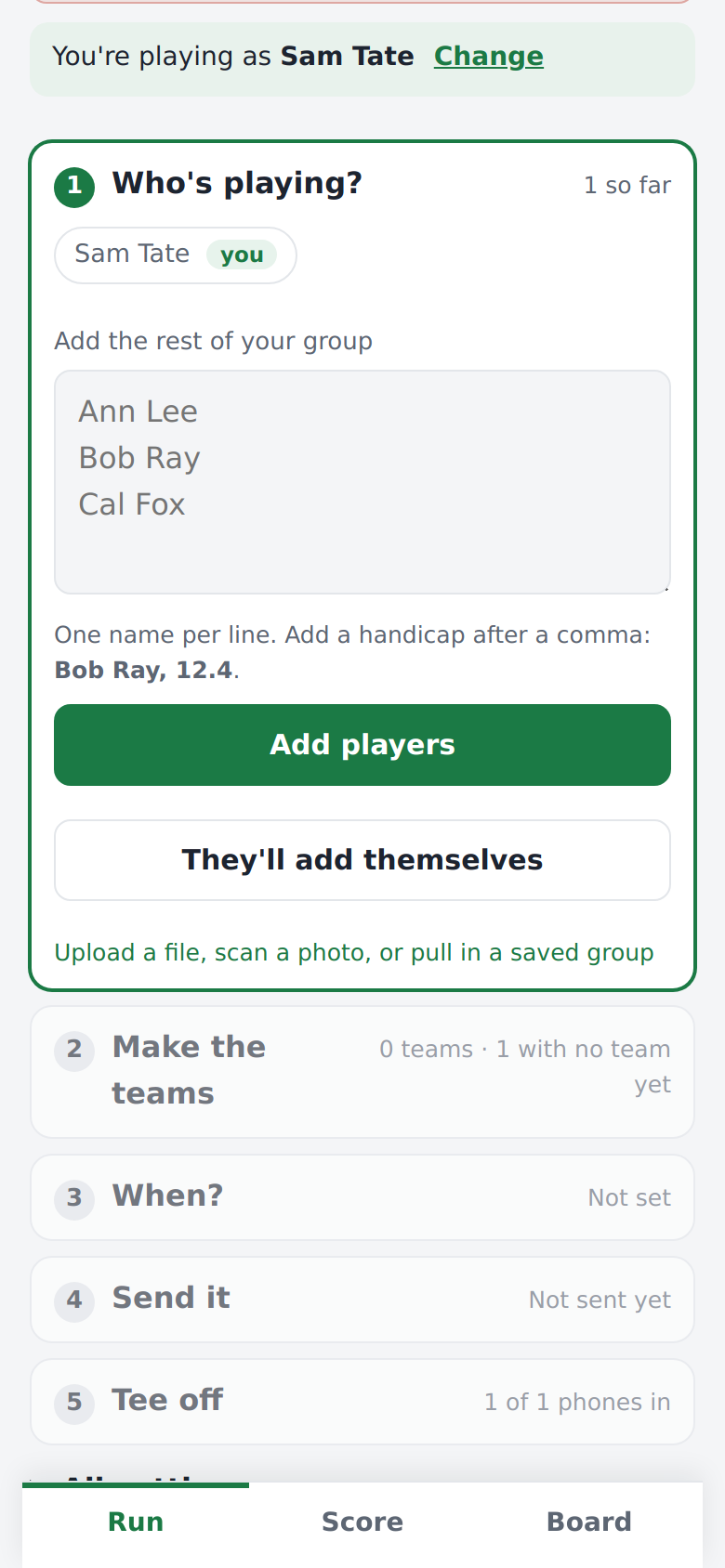
Step 4 - follow the five stops
The Run tab shows five stops until scoring opens. Only the stop you are on is open. Each one closes when it is done, and you can tap a closed stop to change it.
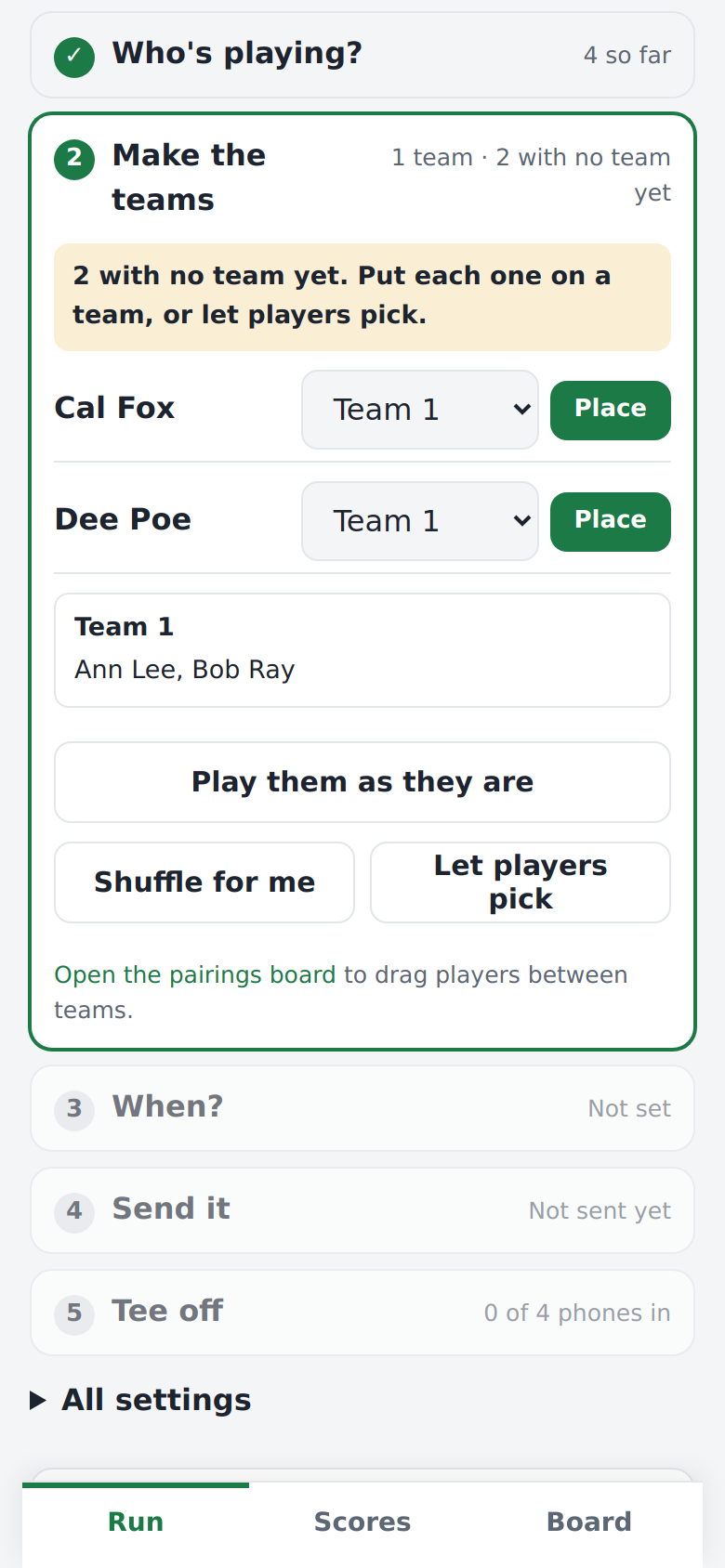
- Who's playing? Paste the names, one per line. A handicap goes after a comma ("Bob Ray, 12.4"). Or tap They'll add themselves.
- Make the teams. On a team format, each pasted name waits under No team yet. Put each one on a team, tap Shuffle for me, or tap Let players pick so players pick a team when they join. Play them as they are keeps everyone as a team of one. Formats with no teams skip this stop.
- When? Set the date and first tee time, and scoring opens by itself 30 minutes before. Or tap Not sure yet.
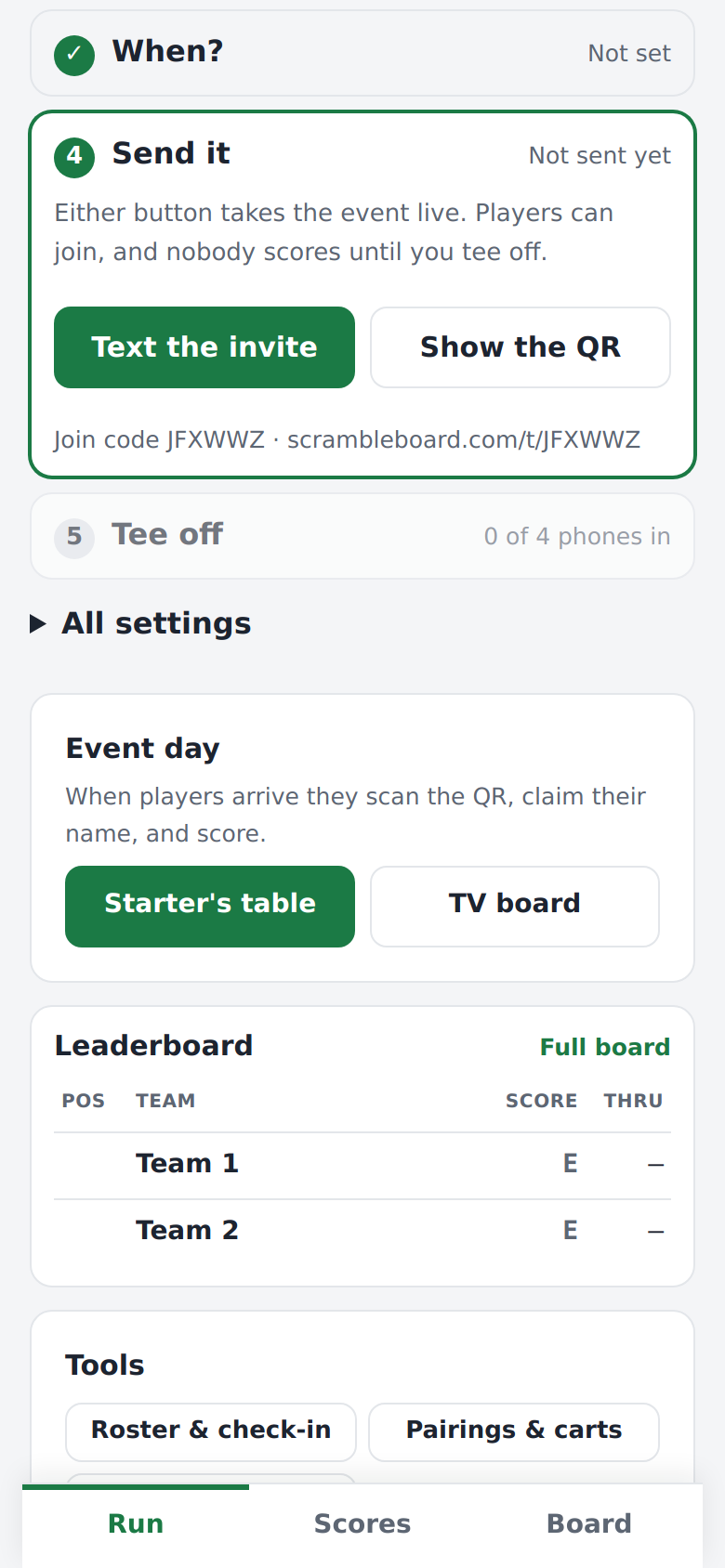
- Send it. Text the invite or Show the QR. Either one takes the event live: players can join, and nobody scores until you tee off. If the event needs a fee, you pay here.
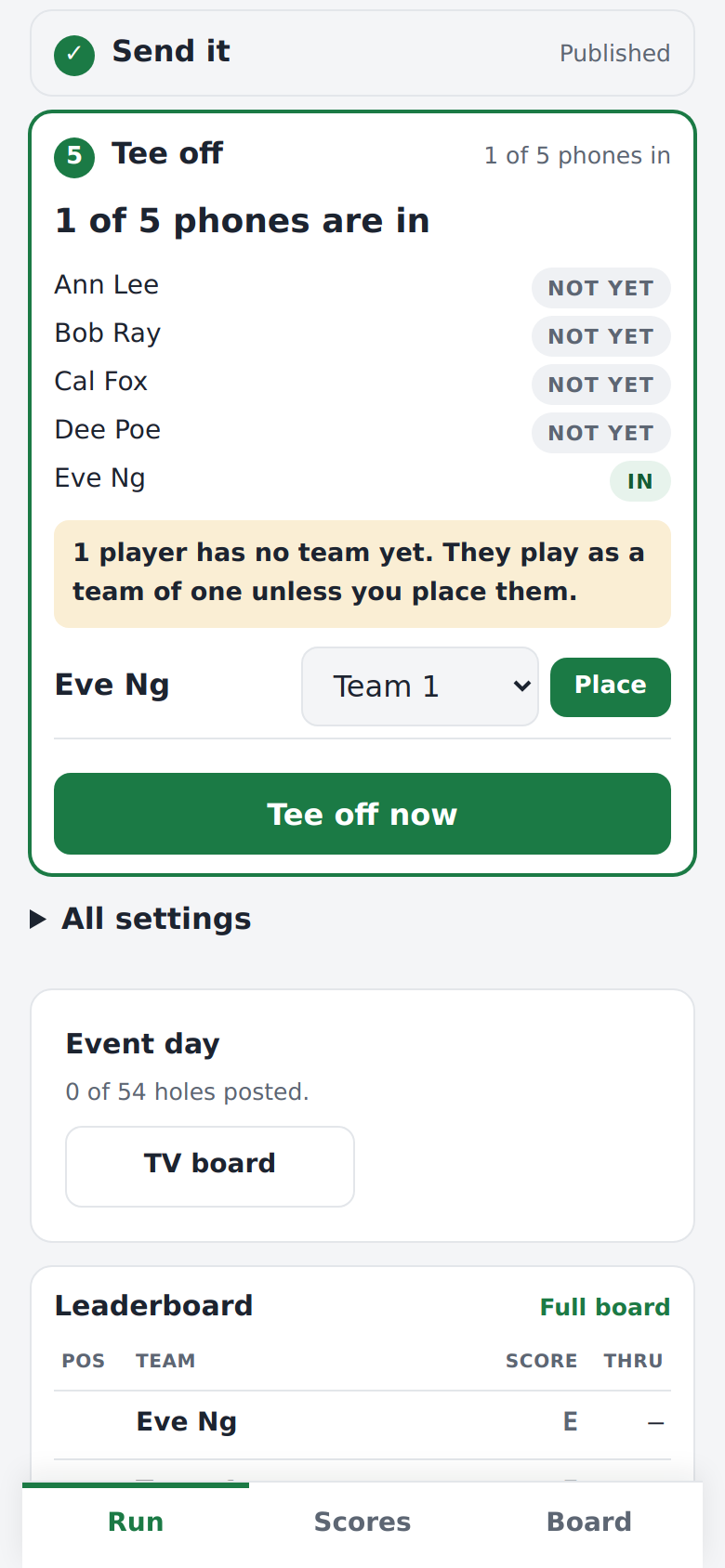
- Tee off. See how many phones are in, then tap Tee off now.
Full guide: Add players and build teams
The fast way
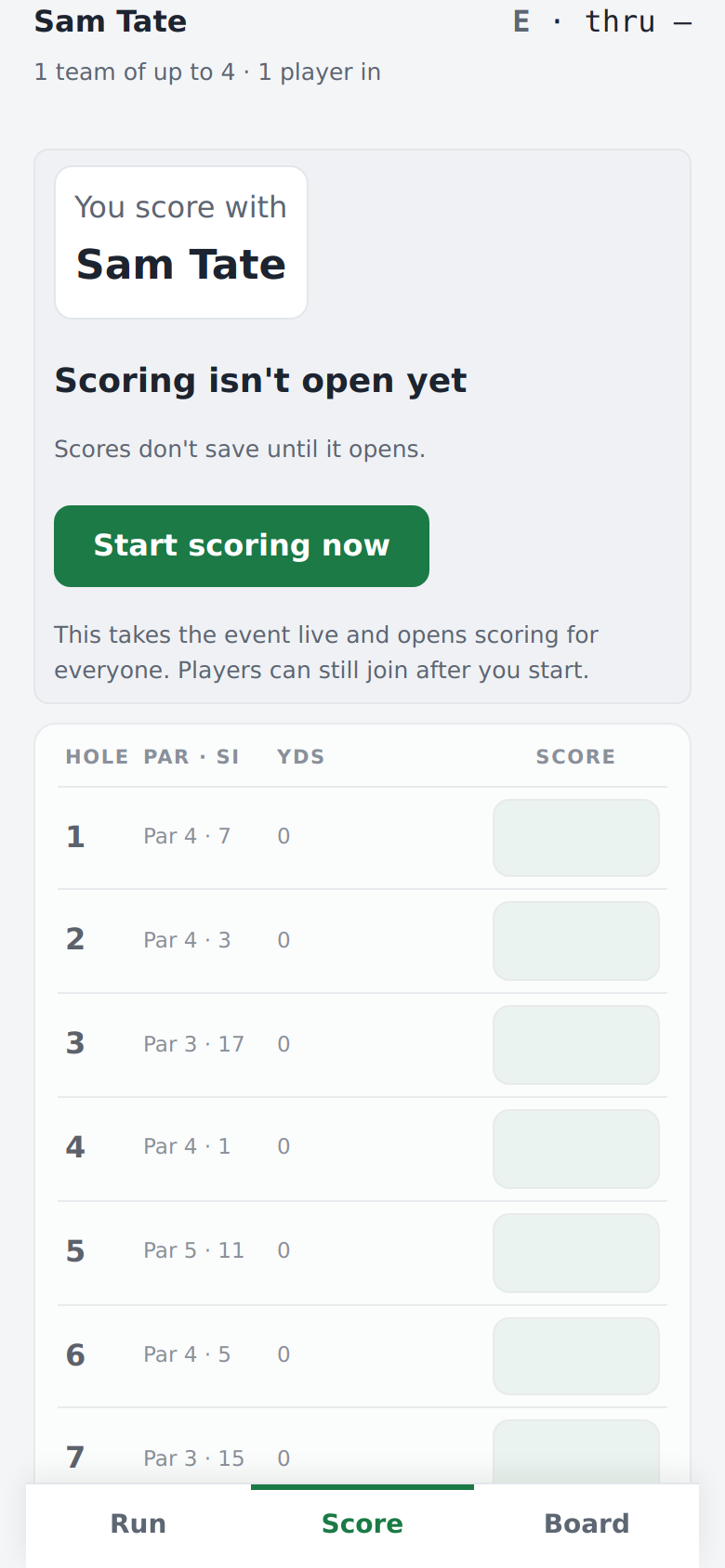
Your group is on the tee already? The stops are a guide, not a gate. Tap Score at the foot of the screen, then Start scoring now. That one tap publishes the event and opens scoring, and you land on hole 1.
On the day
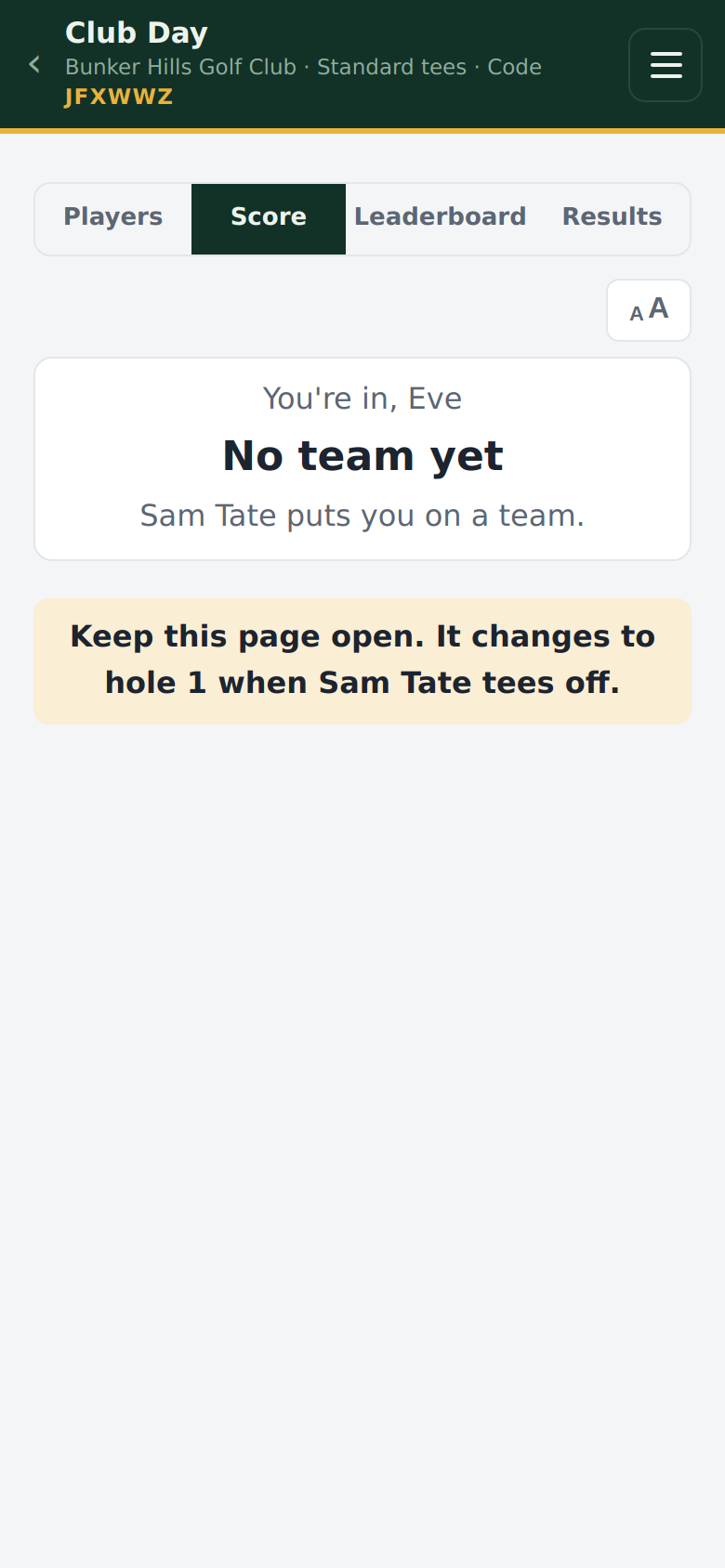
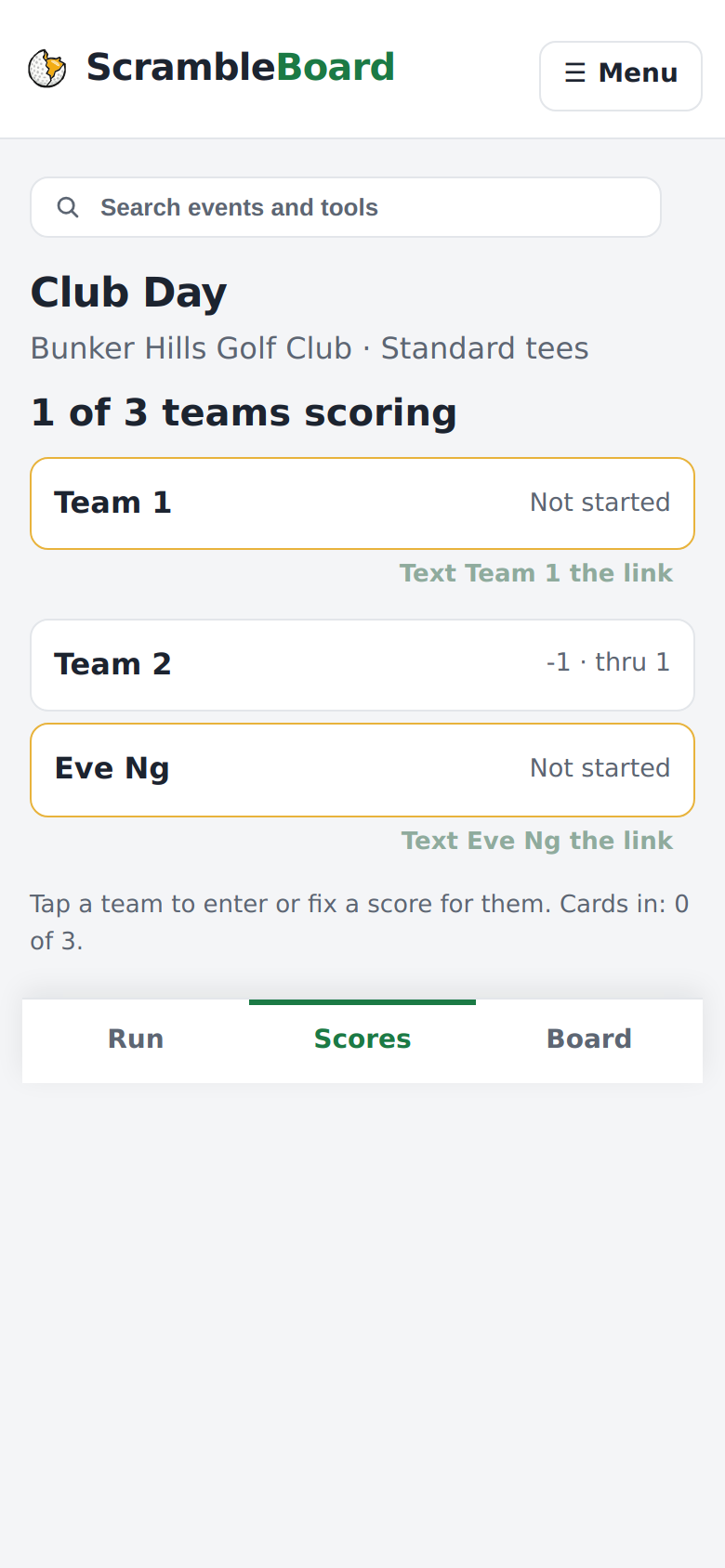
Players who joined early wait on a page that changes to hole 1 by itself when you tee off, with or without a tee time. The Scores tab lists every team with its score and holes played. Tap a team to enter or fix a score for it, or text a team that has not started the link. When the last card is in, press Finalize & publish results on the Run tab.
Full guide: Fix a wrong score, settle disputes, and finalize results
Frequently asked questions
Do I have to pay to try it?
No. Your first event is free, so you can score a practice round with friends. After that, you pay when you publish: $10 for one event at any number of players, or a yearly plan.
Can I change the format after setup?
Yes, until the first score is posted. After that, the format, the scoring, and the scorecard lock for the event. Other settings stay under **All settings** on the Run tab.
I'm playing and I'm organizing. Can I still fix another team's score?
Yes. Under your own card, tap **Every team**, then the team. The score goes on that team's card, never on yours.
Run your event without paper Players scan a code, claim their name, and score on their phones. The leaderboard updates on every phone and the clubhouse TV. No app to install.
Create a free tournamentRelated guides
On a new event, the first stop on the Run tab, **Who's playing?**, takes a pasted list. For everything else - one player at a time, a spreadsheet, a photo of the sign-up sheet, or a saved group - use the event's roster page. Use whichever way matches what you have in your hand.
Players install nothing and make no account. A player scans the QR poster with the phone camera, taps their name, and can score in about thirty seconds.
A four-person scramble is the friendliest format for an outing. In a scramble, all four players hit, the team picks the best shot, and everyone plays the next shot from there. Everyone helps, nobody is embarrassed, and play stays fast. Here is how to run one from start to finish.