 Scramble
Guides Setup
Handicaps - allowances, rounding, allocation
Type a Handicap Index on the roster and ScrambleBoard does the rest: course handicap for the player's tee, strokes spread across the holes, dots on every net surface. This page is the reference for the knobs.
From index to course handicap
Course handicap = index × slope ÷ 113 + (rating − par), rounded - the WHS formula, per player, for the tee they play. A plus player ("+2.4") gives strokes back.
Allowance
The percentage of course handicap the event plays with. Full (100%) is the default; percent lets you run the 85% many member-guests use; playing-WHS applies the WHS playing-handicap step; custom means you type each player's playing handicap yourself and the engine uses it verbatim. Scramble team blends (25/20/15/10) apply on top under every allowance.
Rounding
Standard rounds to the nearest stroke. Up and Down force the direction. Exact keeps decimals - net totals can then read −3.5, and ties compare exactly.
Allocation
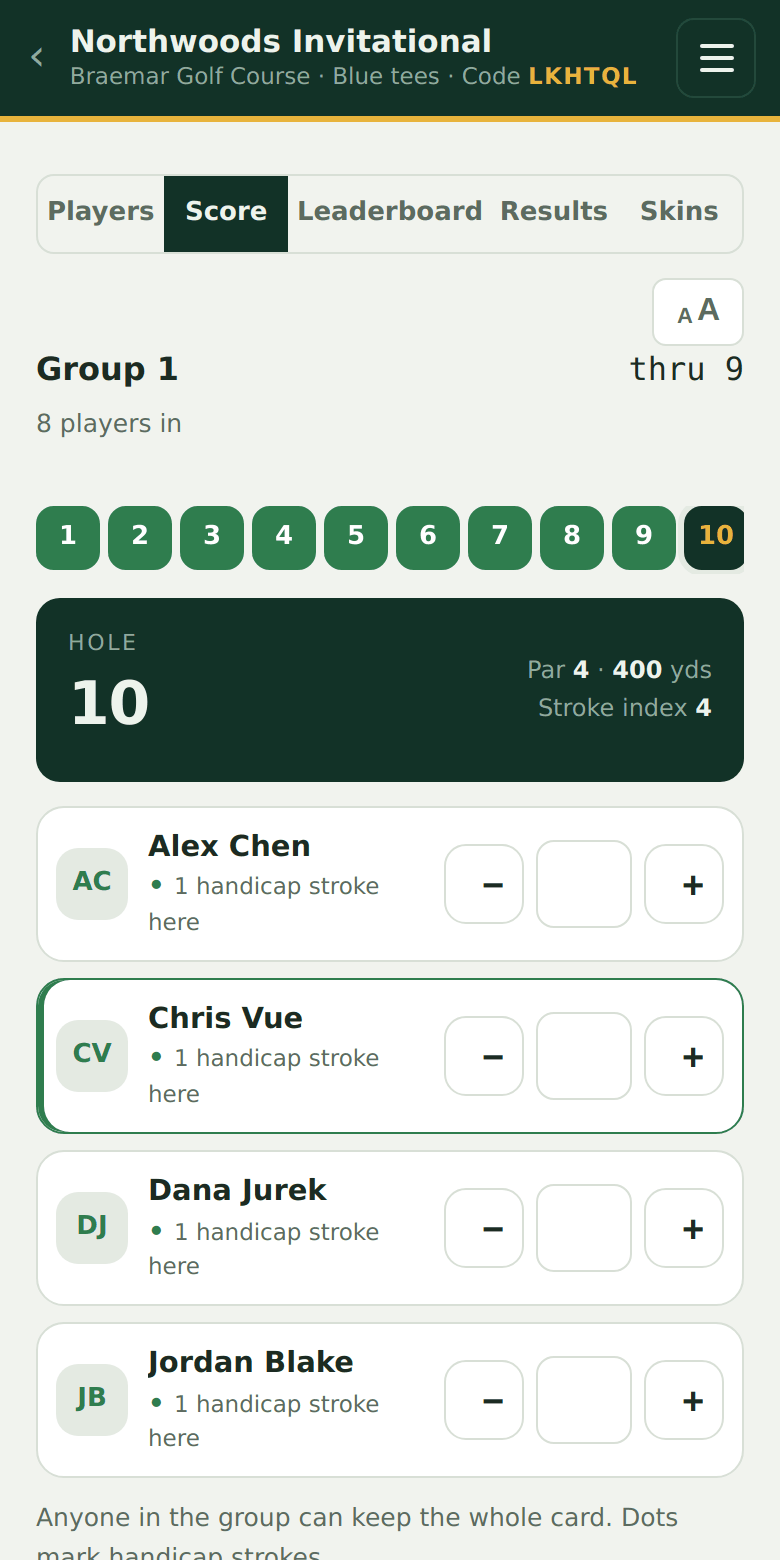
How strokes land on holes: by stroke index (the default - the card's own SI order), equal-by-hole, or relative to the lowest (subtract the field's lowest playing handicap from everyone first, so the best player plays at scratch).
Custom Stableford
Standard and Modified tables are built in; custom means you type the six point values (albatross through double-plus) - a quota game is this with your numbers.
League rolling handicaps
A league season can compute each player's handicap from their own weeks: a percentage of the average of their best N differentials, recomputed as weeks complete. A new player uses their seeded index until they have history.
Estimates, not official numbers
ScrambleBoard's course and playing handicaps are computed for your event's scoring. They are not an official Handicap Index® and we never present them as one - posting to GHIN stays the player's own step, and the results page gives them a copy-ready summary.
If it does not work
- Dots disagree with the paper card - compare the event's allocation setting; a card marked by SI and an event set to equal-by-hole will differ, correctly.
- A net total has a half stroke - the event uses Exact rounding; that is the setting, not a bug.
Full guide: Run a weekly league on one QR code
Run your event without paper Players scan a code, claim their name, and score on their phones. The leaderboard updates on every phone and the clubhouse TV. No app to install.
Create a free tournamentRelated guides
Every event is built on a course card: par, yardage, and stroke index per hole, with rating and slope per tee. This page is where that data comes from and how to change it.
A league season is one ScrambleBoard event. The weeks are its rounds, the QR code on the clubhouse wall works every week, and the board grows a Season tab that totals weekly points. Players who join in week 4 scan the same code the week-1 crowd did.
There's nothing to install and no player accounts. A player points their camera at the QR poster, taps the link, claims their name from the roster, and is scoring within thirty seconds.