 Scramble
Guides Setup
Join codes, QR posters, and player links
Every event has a six-letter join code, and every way into the event is built on it. This page is the reference for the doors.
The three doors
- The code, typed: scrambleboard.com/join takes the six letters. Good for a text message: "we're on ABXKQR".
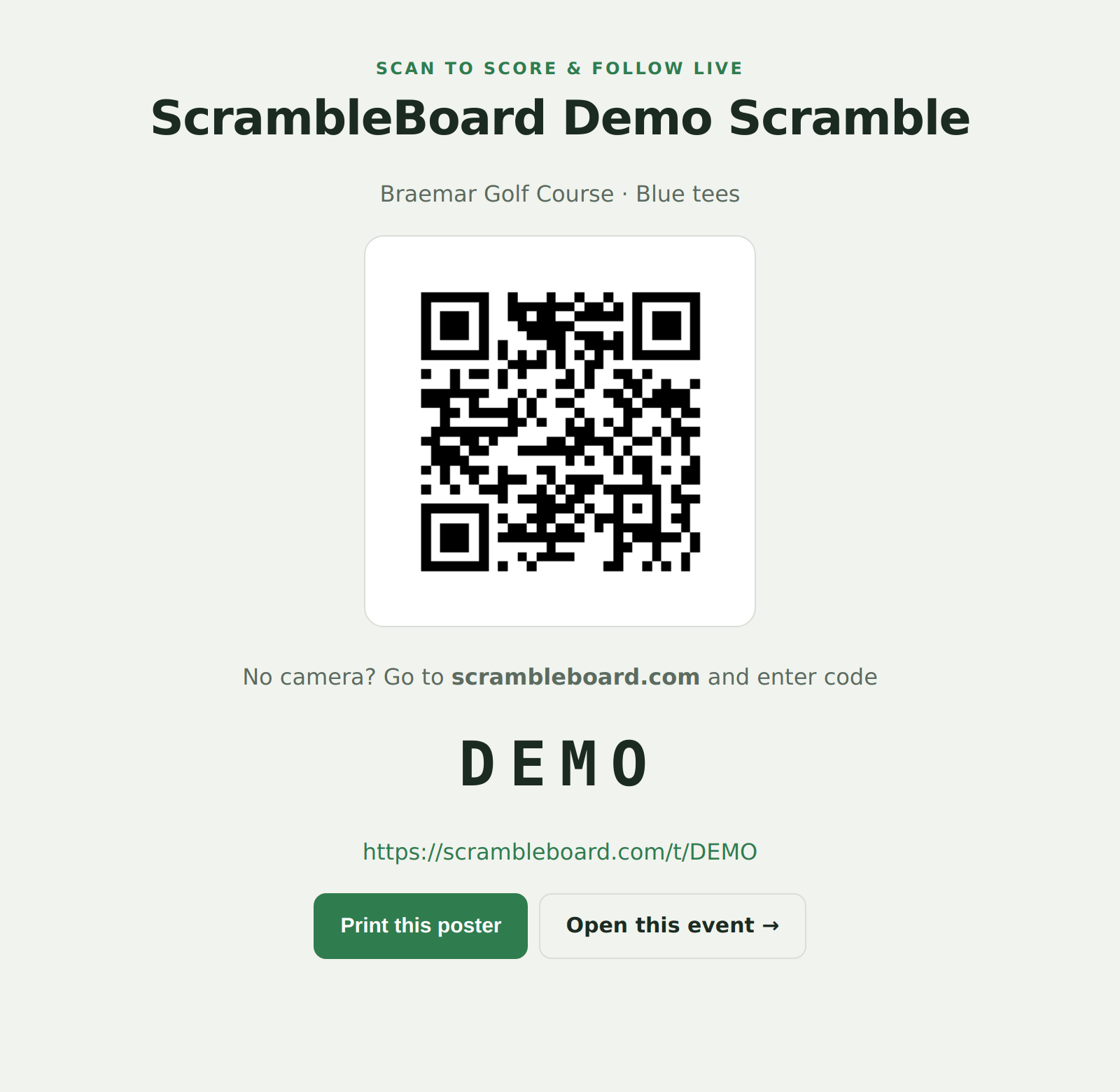
- The QR poster: print it from the share page, put it on the first tee and the carts. Scanning opens the event's join page.
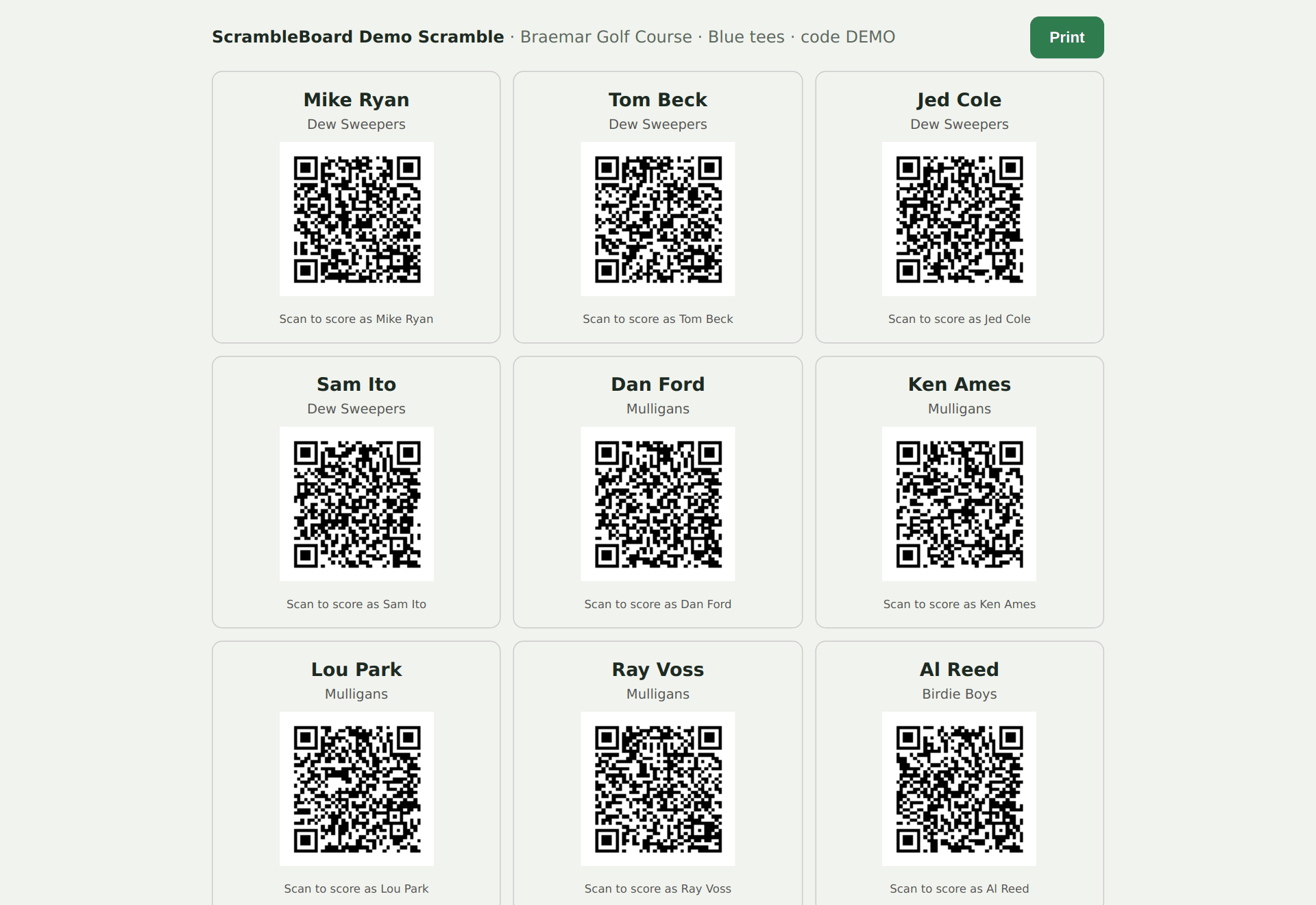
- Per-player QR cards: each roster name has its own QR. Scanning it claims THAT name directly - no picking from a list. Print the cards or the one-page sheet from the roster page.
What each link shows
| Link | Who it is for |
|---|---|
| /t/CODE | The join page - claim a name or add yourself |
| /t/CODE/score | The claimed player's scoring page |
| /t/CODE/board | The live leaderboard, read-only, no claim needed |
| /t/CODE/tv | The TV board for the clubhouse screen |
| /t/CODE/results | Standings, every card, and stats |
Claiming, releasing, taking over
First scan of an open name claims it - two people racing the same name is safe, the loser gets a take-over page. "That's me" re-claims a name onto a new phone (the old phone lets go). Leave frees your slot; the organizer can substitute or free any slot from the roster page, and scores stay with the seat.
Event PINs
An optional 4-6 digit PIN gates claiming and adding. Print it on the player cards, or hand it out at check-in. Without the PIN the board is still public - watching never needs one.
Codes change per event
"Run again" clones your event with a fresh code, so last year's poster never opens this year's event. Reprint the poster every time.
If it does not work
- The QR scans to a "not found" page - the poster is from another event; reprint from this event's share page.
- A player typed the code and sees someone else's claimed name - that is the roster list, not an error; they tap their own name.
Full guide: How players join and score (QR codes and claiming names)
Run your event without paper Players scan a code, claim their name, and score on their phones. The leaderboard updates on every phone and the clubhouse TV. No app to install.
Create a free tournamentRelated guides
There's nothing to install and no player accounts. A player points their camera at the QR poster, taps the link, claims their name from the roster, and is scoring within thirty seconds.
One account runs the whole event: yours. Players never sign in, never set a password, and never install anything - only the organizer side has a login.
Every print comes from the Report Center: scorecards, cart signs, an alphabetized check-in sheet, sponsor signs, and the final results. This page is the printer-side reference; the how-to is in the printing guide.