 Scramble
Day of the event · ~4 min
Publish and run the control room
Publishing flips the event live. The control room is your seat for the day: progress, standings, and anything that needs attention.
Publish from the share page
Until you publish, the event is a sandbox - build the roster, print, rearrange freely. Publish & open control room makes it live. Scoring opens 30 minutes before the first tee time, or when you tap Start scoring now.
Watch progress roll in
Scores posted, teams and players, entry fees outstanding, and the full standings - all on one screen, updating as play happens.
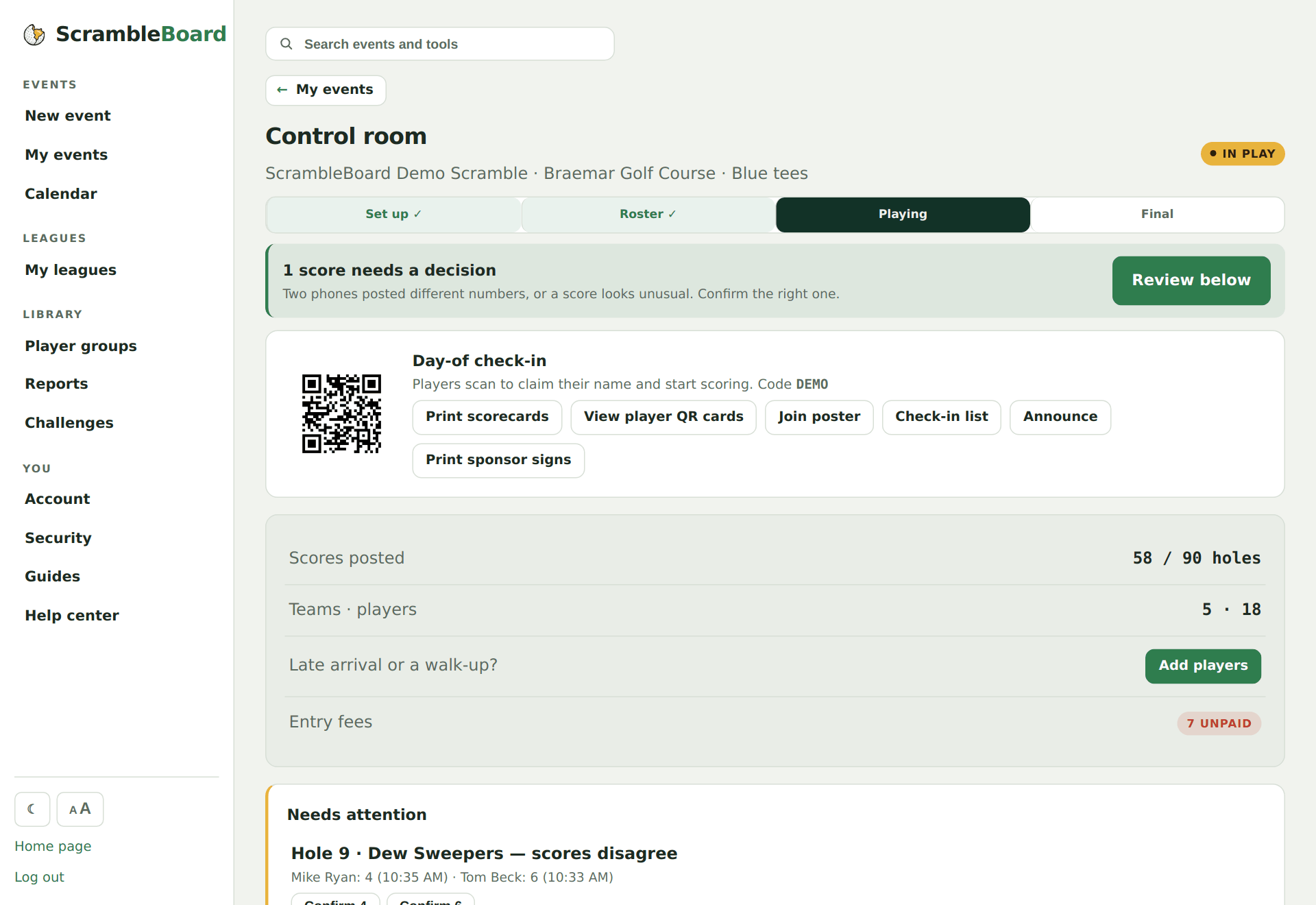
Let the queue flag the weird stuff
Eagles-or-better, blow-up numbers, and scorer disagreements surface in a Needs attention list with one-tap confirms - you don't have to watch every card.
Try it on your own event
Everything above works the moment you create an event - the first one is free.
Run an event · free to try