 Scramble
Getting set up · ~5 min
Create your first event
Name the event, pick the course and tees, and you have a live-ready tournament with its own QR code and join link.
Sign in and hit New event
Everything starts from the left sidebar. Only the organizer needs an account - players never sign up for anything.
Name it and pick the course
Type your course name to narrow the list, then pick the tee you'll play. We snapshot the course card (par, yardage, stroke index) right now, so a later re-rate never changes your results.
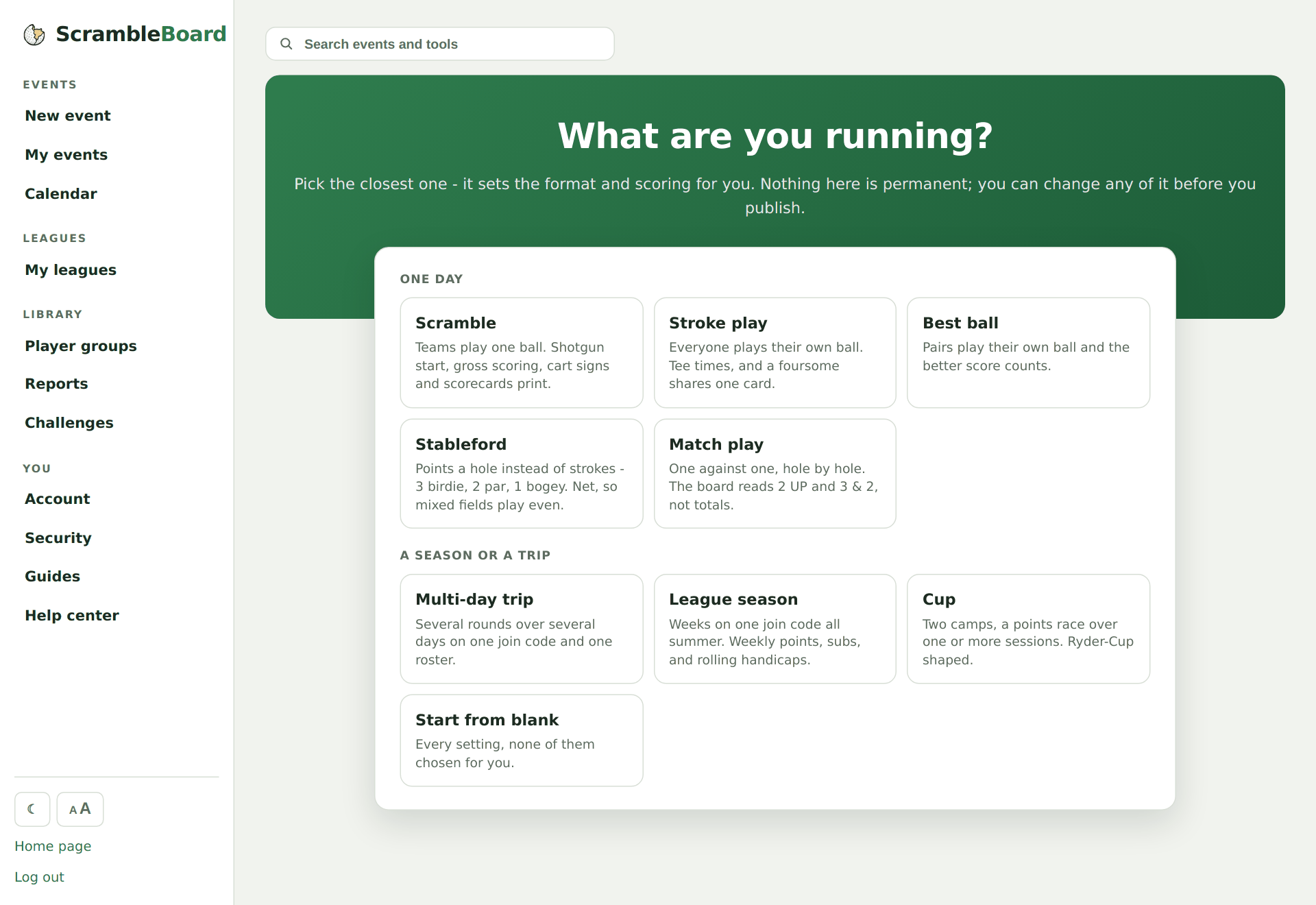
Continue to format & scoring
That's step 1 of 3 done. The wizard walks you straight into format and scoring next - nothing you pick is permanent, you can come back and change any of it before publishing.
Try it on your own event
Everything above works the moment you create an event - the first one is free.
Run an event · free to try