 Scramble
Pick a format and scoring
Scramble, stroke play, Stableford, or best ball - gross or net - plus the day-of options: start type, skins, TV mode, and an event PIN.
Choose the format
Scramble and best ball are team formats; stroke play and Stableford are individual (with optional shared scorecards for carts or foursomes). The helper copy under each field explains what changes.
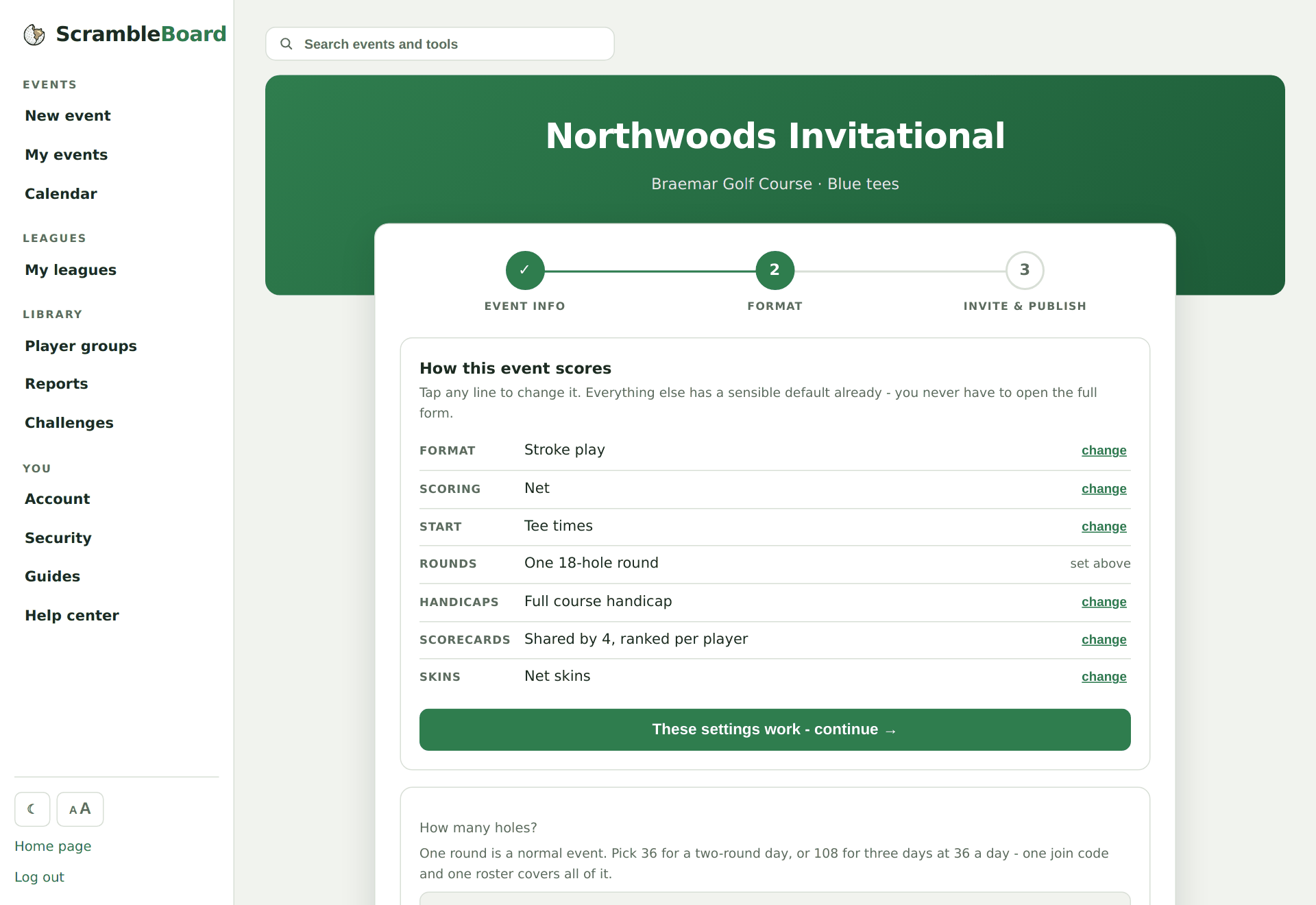
Gross or net
Gross counts every stroke as-is. Net subtracts each player's course handicap - computed automatically from their Handicap Index and the tee's slope and rating - so mixed-skill fields compete evenly.
Set the day-of options
Shotgun or tee times, the default scoring view players see first, the TV board mode, a skins game, and an optional 4-6 digit event PIN that gates claiming a name.
Continue to invite & roster
Step 3 is the share page: your QR poster, join code, and roster tools.
Try it on your own event
Everything above works the moment you create an event - the first one is free.
Run an event · free to try