 Scramble
Collect entries online
Sell entries, sponsorships, and add-ons on a public sign-up page. Golfers pay by card straight to your own Stripe account, and paid registrations become your roster.
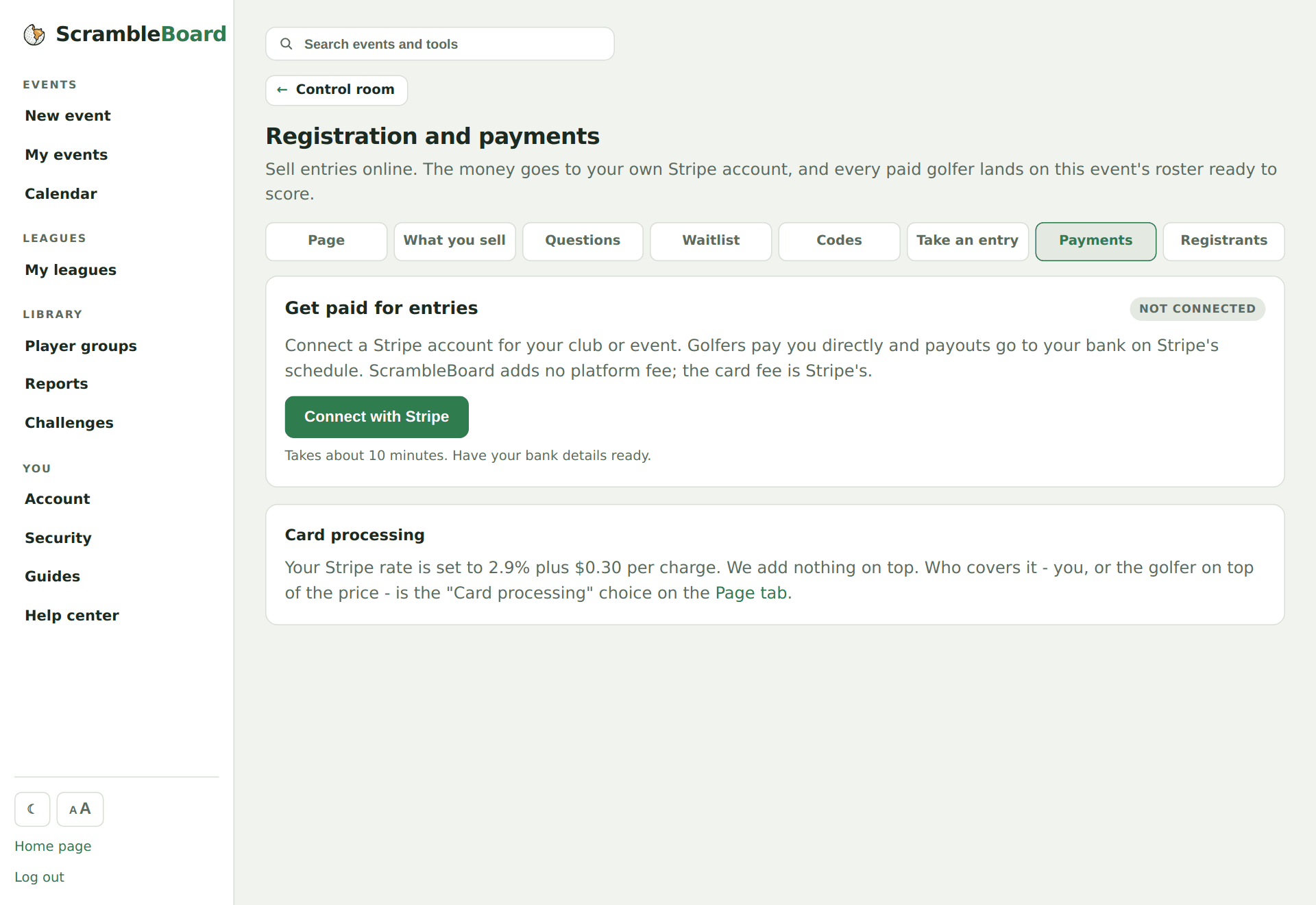
Connect your Stripe account
From your event, open Registration, then Payments, and click Connect with Stripe. Have your bank details ready; it takes about five minutes. Entry money goes to your account on Stripe's payout schedule - ScrambleBoard adds no platform fee.
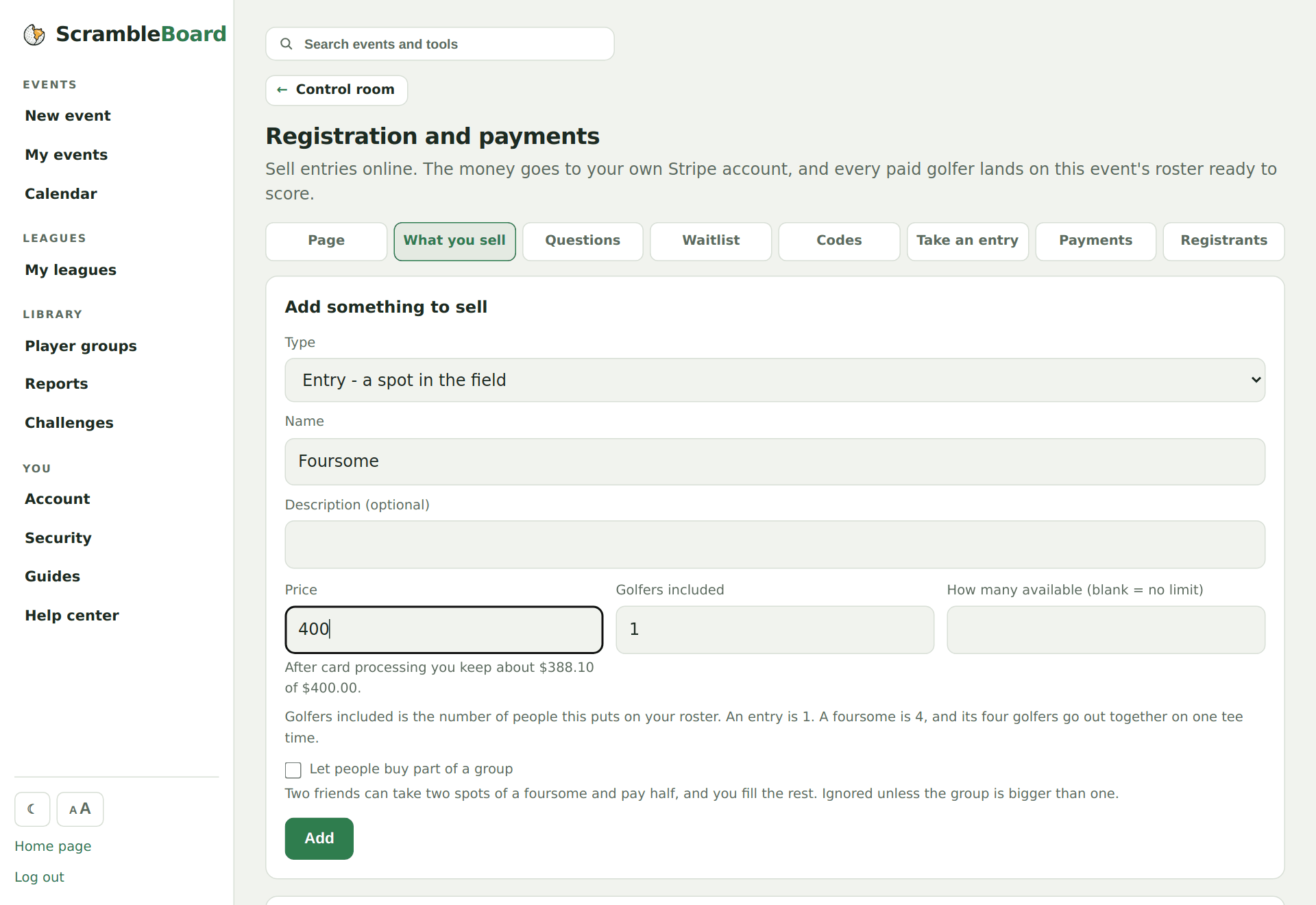
Add what you sell
Team entries, single spots, hole sponsorships, dinner guests. As you type a price, the form shows what you keep after card processing - golfers always see one clean price.
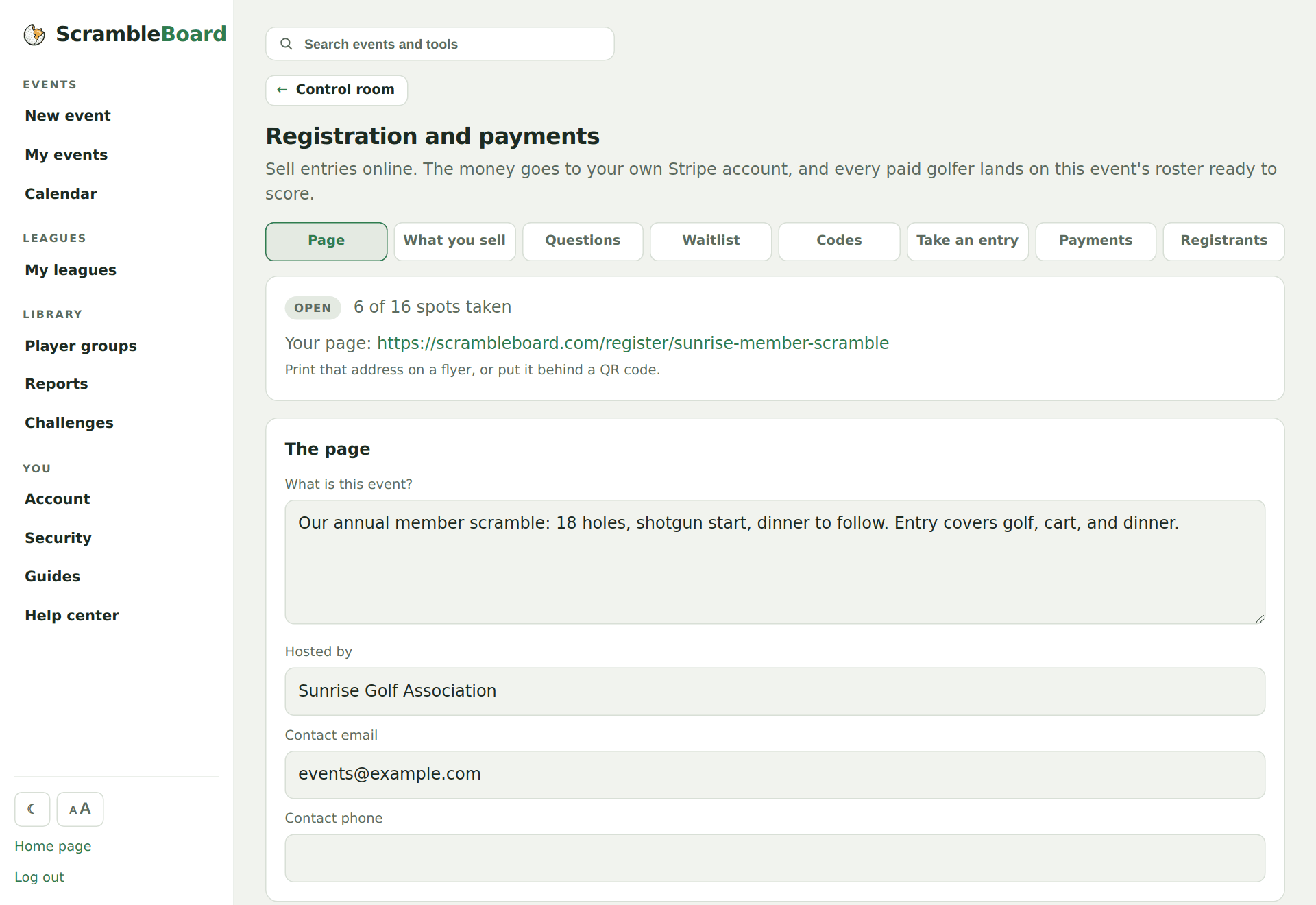
Publish and share one link
Publishing opens the public sign-up page. Text the link, email it, or put its QR on a flyer - golfers register from their phone with no account and no app.
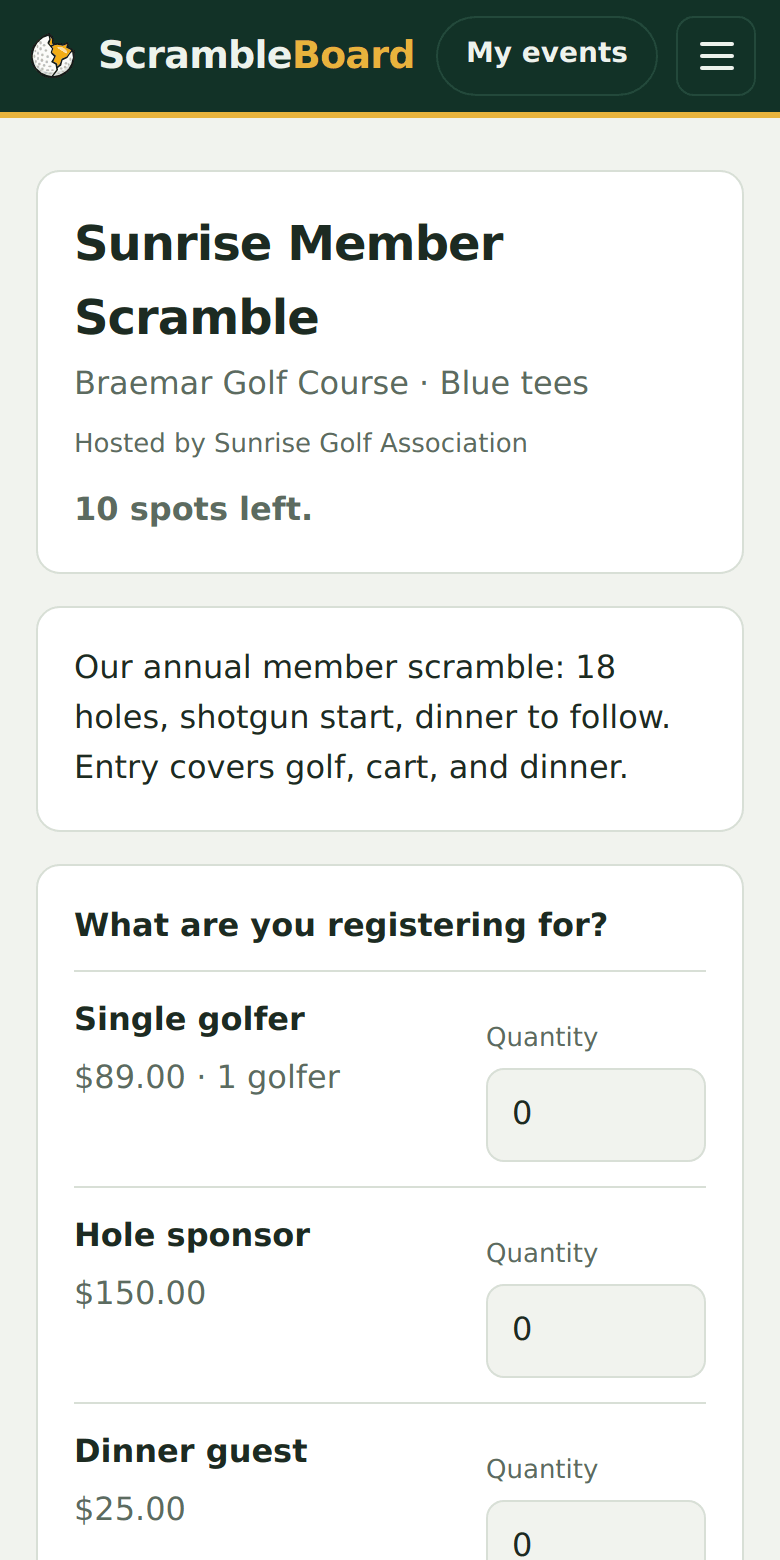
A golfer registers and pays
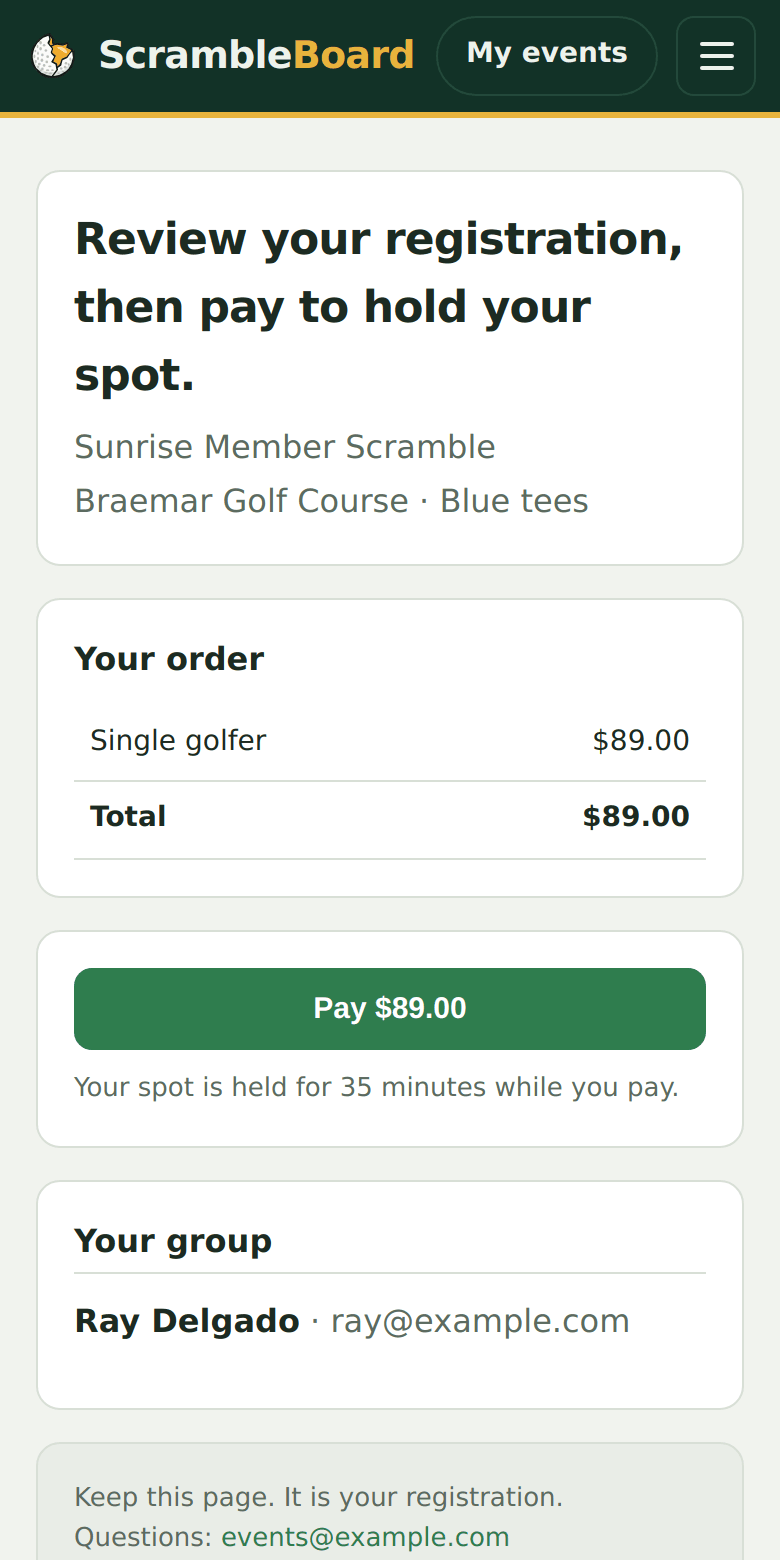
They pick what they want, enter their name, and pay by card on a secure Stripe checkout. Their spot is held while they pay, so two golfers can never buy the last seat twice.
Paid golfers land on your roster
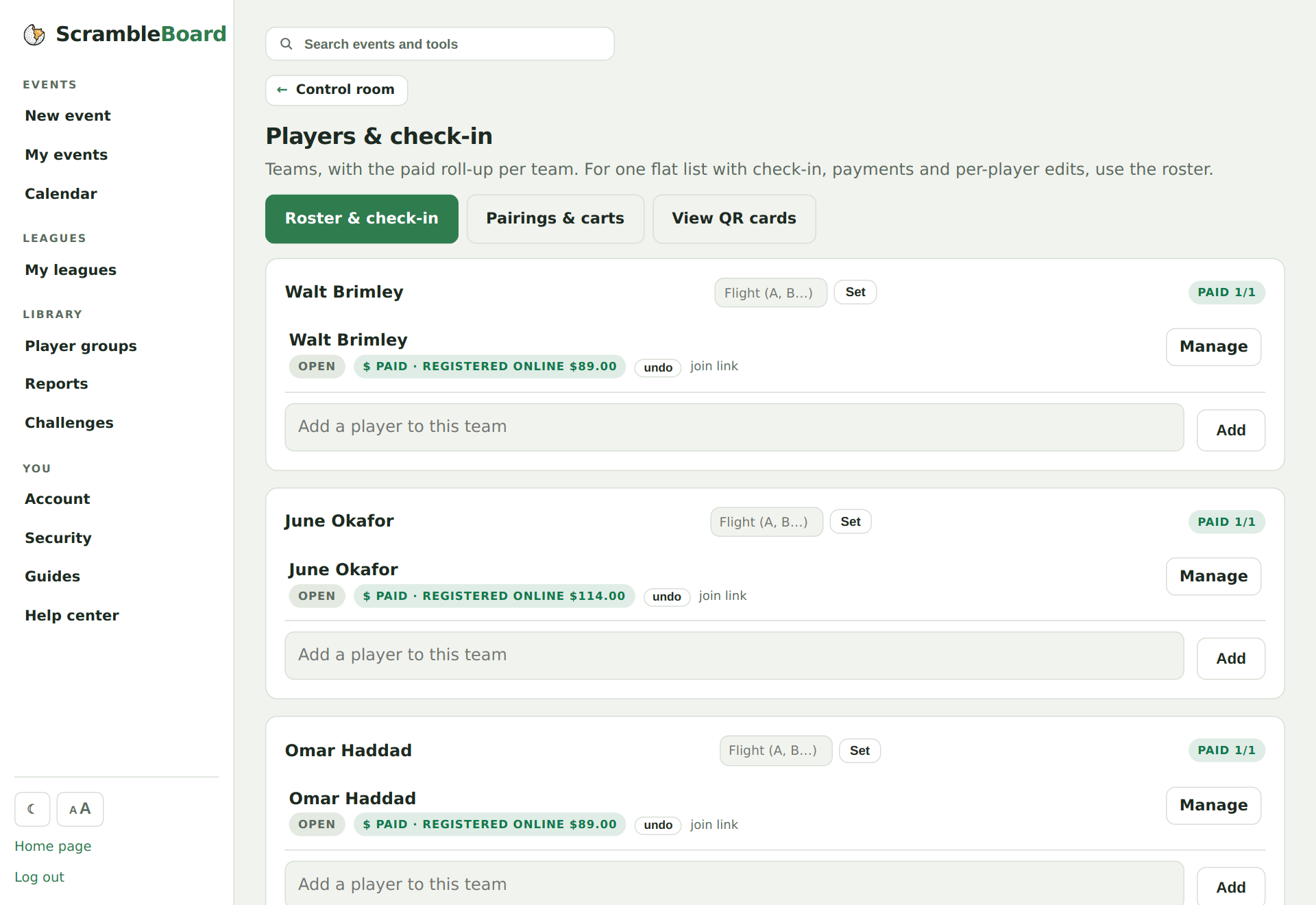
A paid registration becomes the same roster rows you would have typed - marked paid, ready for pairings, printing, and the QR claim. Nothing to import, nothing to retype.
Watch the money, refund in a click
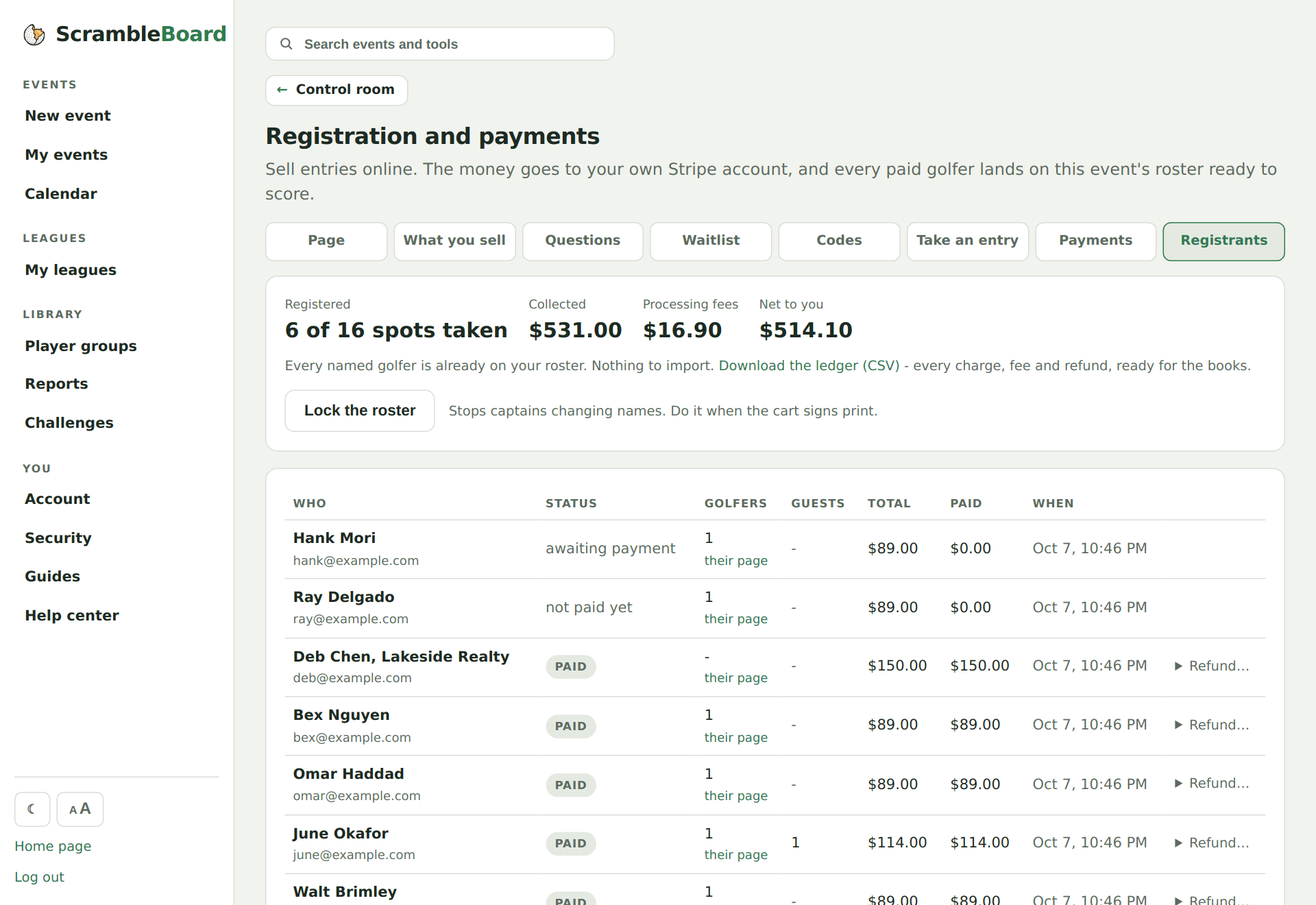
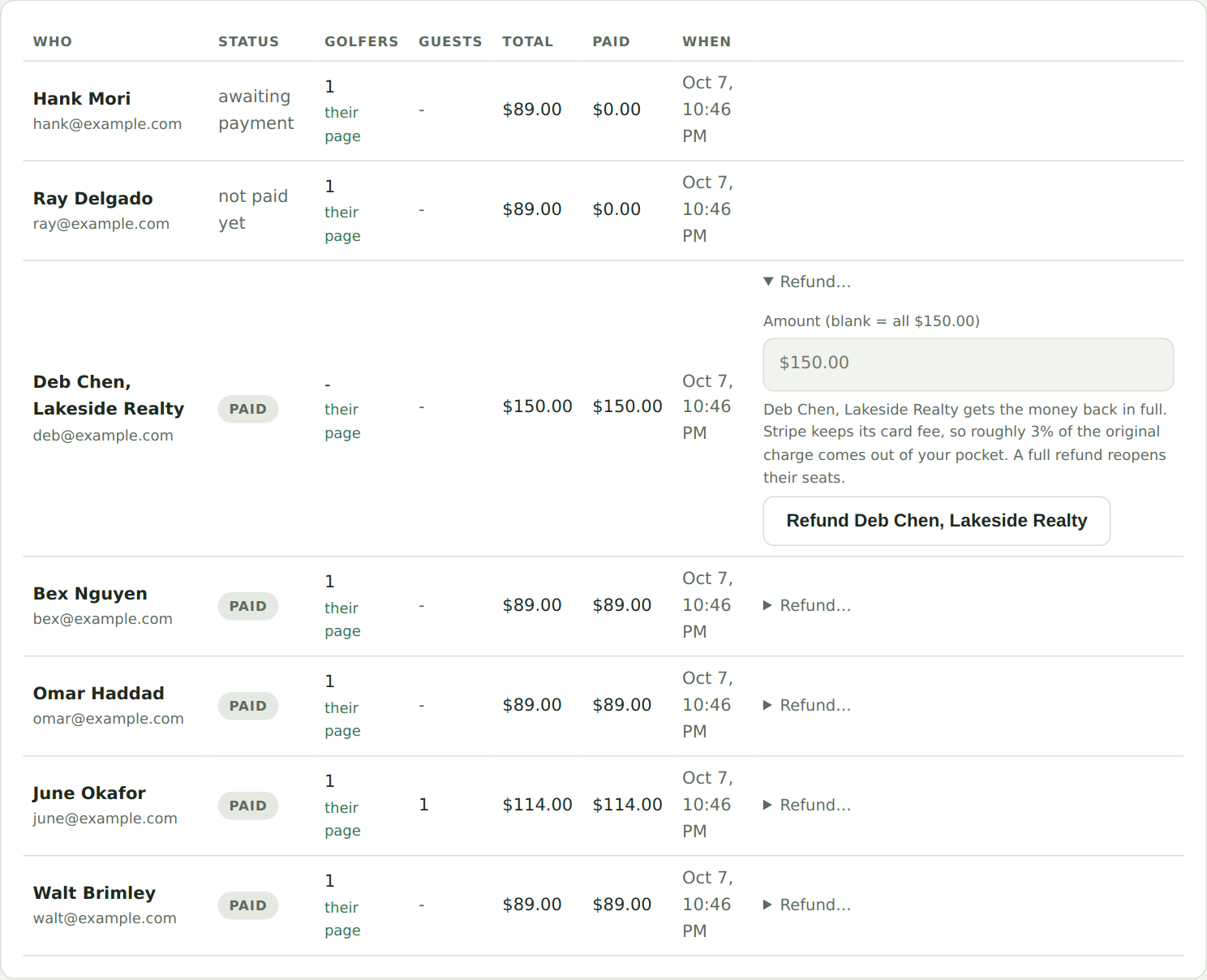
The Registrants tab keeps live totals - collected, card fees, net to you - with the full ledger one CSV click away. A refund takes one tap, and a full refund reopens the seats to your waitlist.
Try it on your own event
Everything above works the moment you create an event - the first one is free.
Run an event · free to try