 Scramble
Formats & scoring · ~4 min
Set up challenge holes
Closest to the pin, longest drive, longest putt - designate the holes ahead of time and players get prompted right when they arrive.
Designate challenges
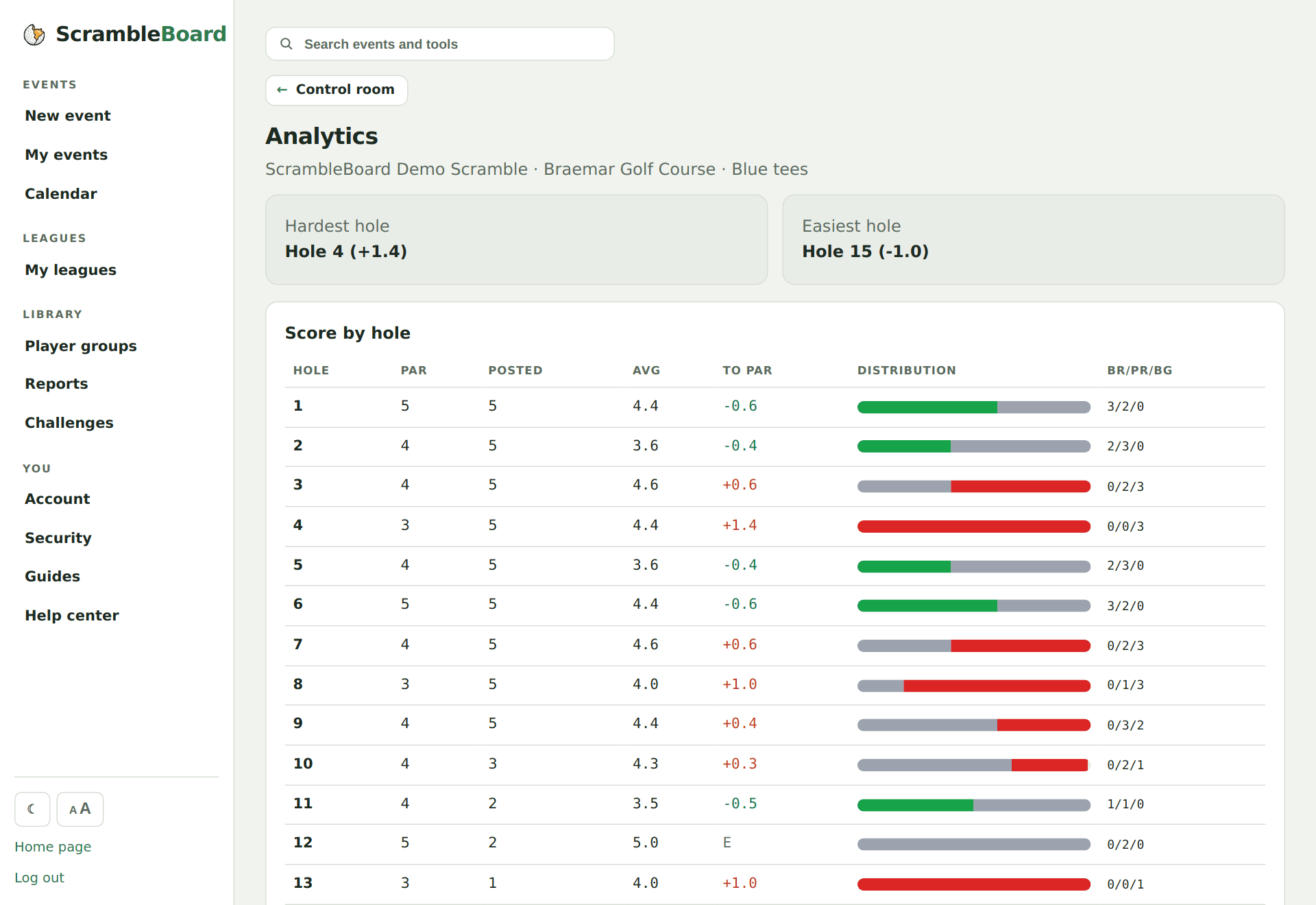
Analytics & side games → add a challenge: pick the hole, name it, choose the unit (feet, yards, count…). Add as many as the event needs.
Players get prompted on the hole
When a scorer reaches a challenge hole, the score page shows the current holder and a one-line form to beat it - no marker sheets on the tee box.
Winners show everywhere
Current holders appear on the TV board's rotation and the analytics console, and the payouts calculator can attach a prize per challenge.
Try it on your own event
Everything above works the moment you create an event - the first one is free.
Run an event · free to try