 Scramble
Save a player group and reuse it
Leagues and regular crews live in Groups: save names, handicaps, and emails once, then pull them into any future event in one click.
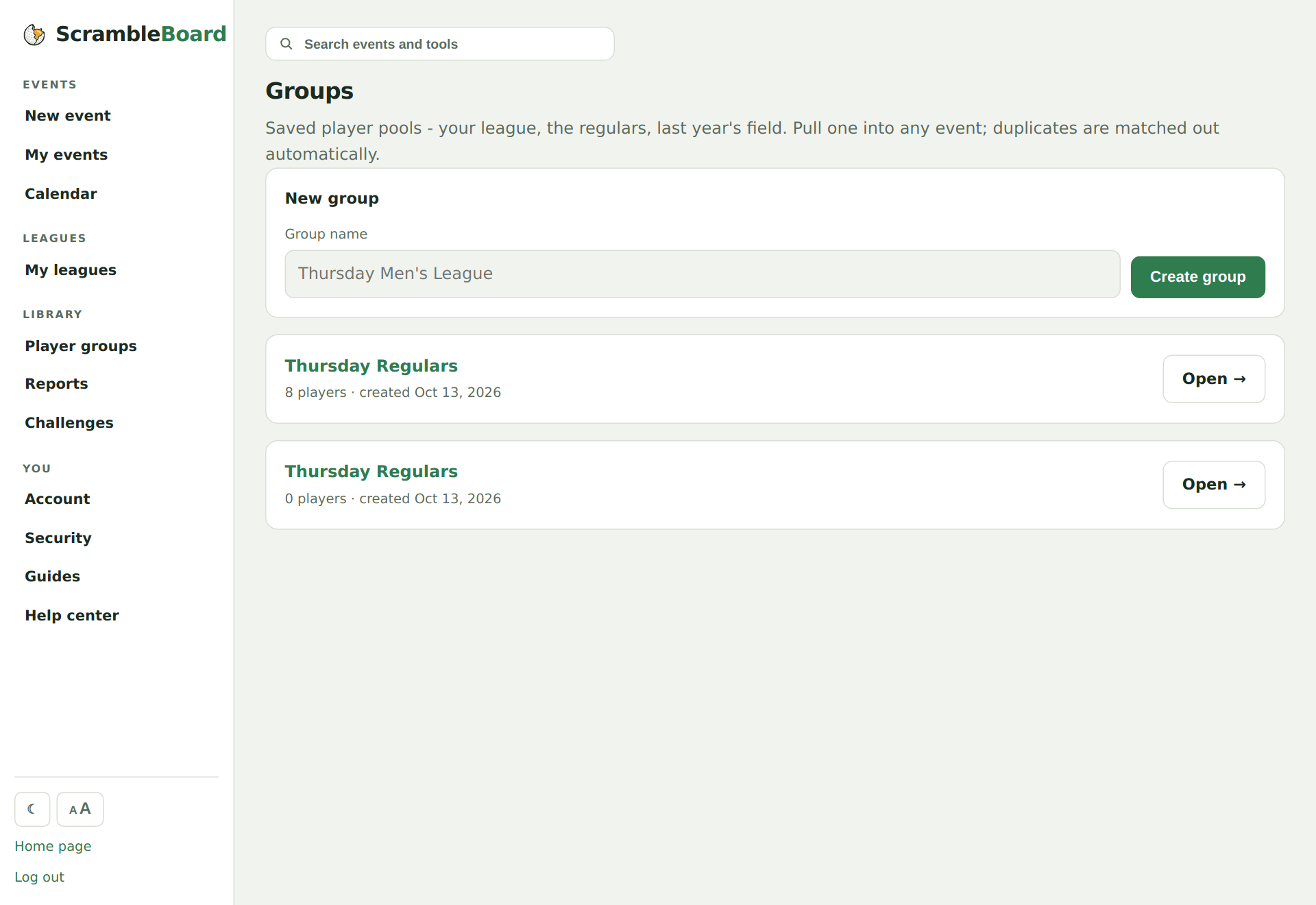
Create a group
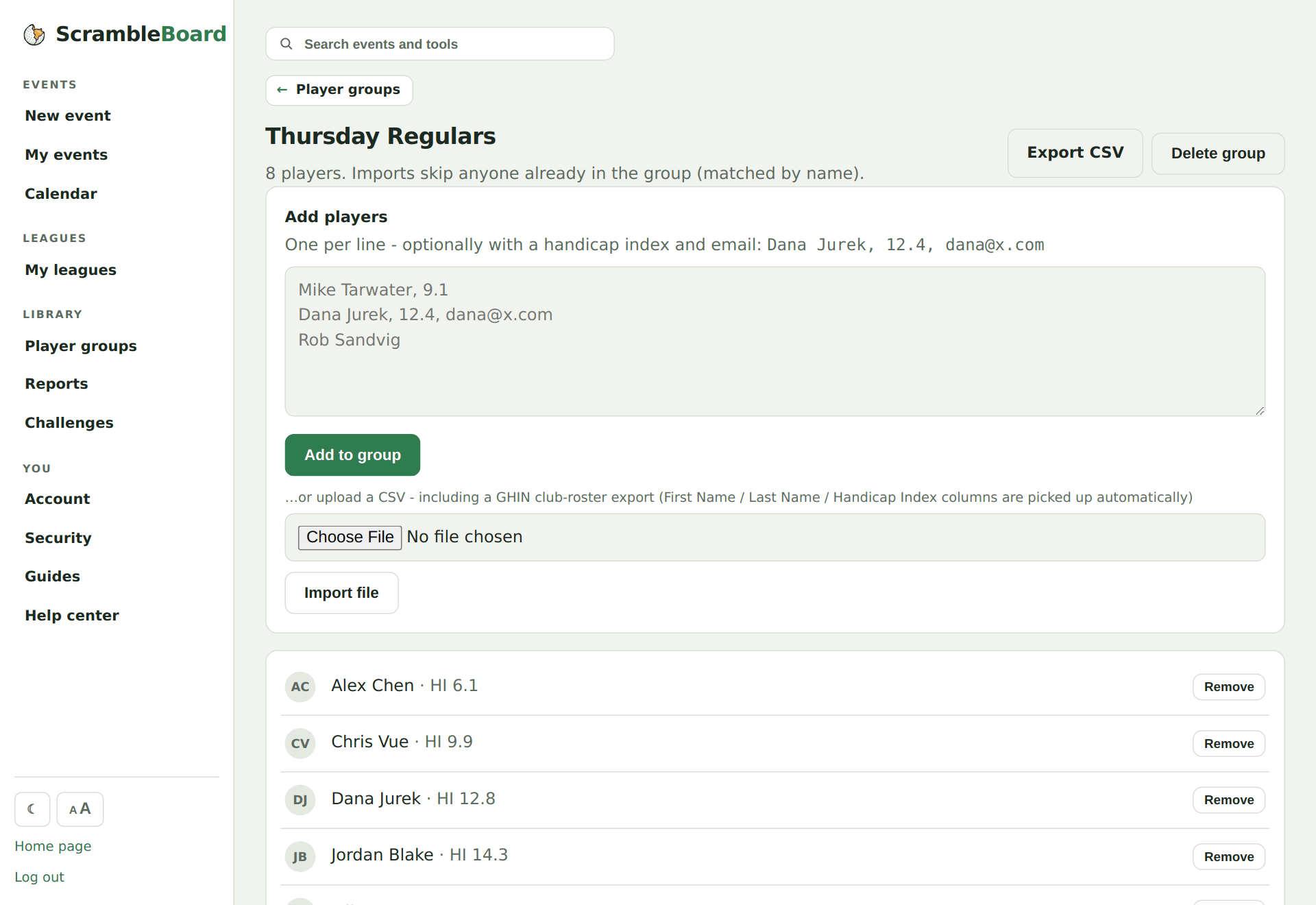
Player groups, under Library in the sidebar → name it ("Thursday Men's League") → paste members as "Name, 12.4" lines or upload a CSV - including the roster CSV your GHIN club portal already exports.
Handicaps ride along
A handicap saved on the group member is carried into every event you pull them into - that's what powers net scoring and dots without retyping anything.
Pull the group into an event
On any event's share page, pick the group and hit Pull in. Anyone already on the roster is matched out - no duplicates.
Save a roster back
After an event, "Save this roster as a group" turns this year's field into next year's starting point.
Try it on your own event
Everything above works the moment you create an event - the first one is free.
Run an event · free to try