 Scramble
For players · ~1 min
Join an event and claim your name
Scan the QR, tap your name, start scoring. No app, no account, nothing to install.
Scan the poster (or type the code)
The QR opens the event's join page in your browser. No camera? scrambleboard.com plus the 6-letter code gets you to the same place.
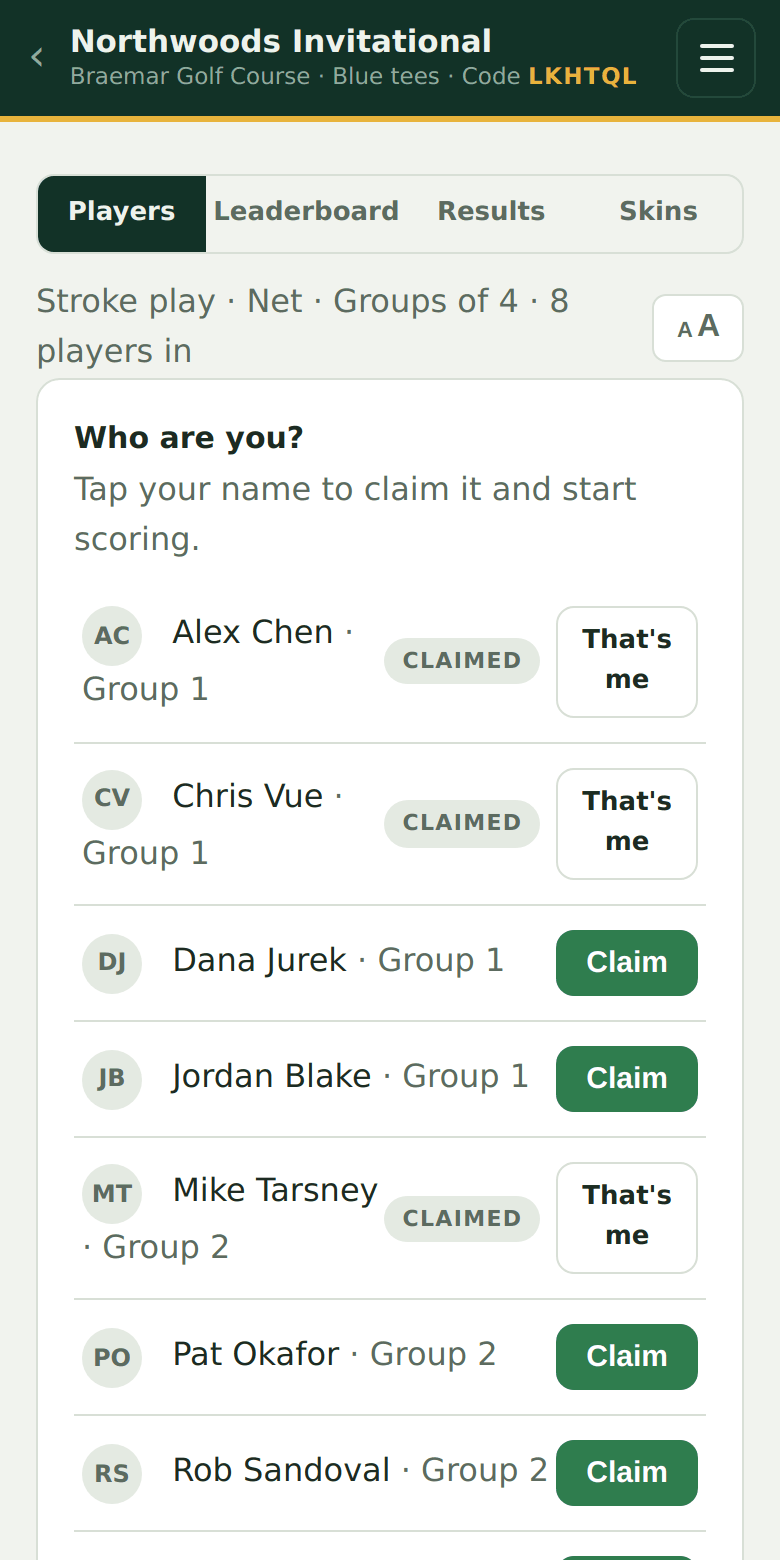
Tap your name
That's the whole sign-in. Your phone is now the scoring device for your team. If the organizer set an event PIN, you'll enter it here (it's printed on your player card).
Not on the list?
Add yourself at the bottom - pick a team on team formats, or take the next open seat on grouped events - and you're scoring in seconds.
Try it on your own event
Everything above works the moment you create an event - the first one is free.
Run an event · free to try